







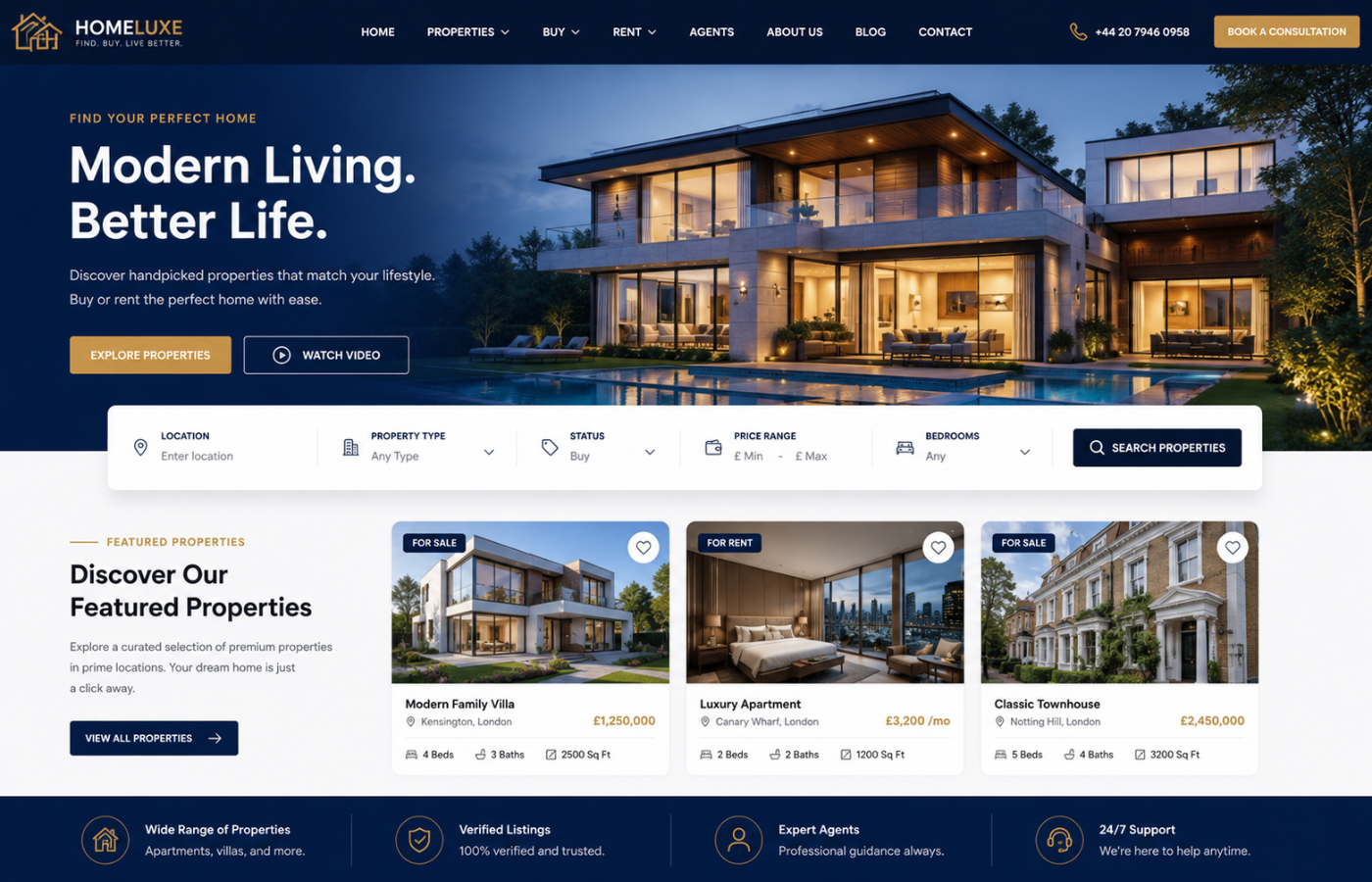
How a Modern Property Website Design Improves Conversion Rates
Why Outdated Property Websites Kill Conversions
Walk through the typical property website built five years ago: slow-loading image galleries, clunky search filters, property details hidden behind multiple clicks, and a contact form that looks like it was designed in 2010. Today’s property hunters have zero patience for friction. If your site takes more than three seconds to load property images, they bounce to Rightmove, Zoopla, or a competitor. If your search filter does not include “gardens,” “parking,” or “pet-friendly,” they assume you do not have those properties. Modern conversion-focused property website design eliminates every obstacle between “I like this property” and “I want to view it.”
Key Elements of High-Converting Property Website Design
Effective property website design focuses on features that directly turn property seekers into leads:
1. Instant Property Search With Smart Filters
Generic search boxes kill conversions. Modern property search includes:
-
Filter by: Price range, bedrooms, property type (house/flat/bungalow), location (radius or postcode), added date (last 24 hours, 7 days, 30 days), and key features (parking, garden, elevator, pet-friendly)
-
Map-based search with draggable boundaries (users draw their preferred area)
-
Saved searches with email alerts (capture leads even when they are not ready to contact you)
-
Autocomplete suggestions for locations and property features
2. Property Detail Pages That Sell (Not Just Inform)
Most property websites list features as bullet points. High-converting designs include:
-
Hero image gallery with full-screen option and floorplan overlay
-
Key information above the fold: Price, bedrooms, bathrooms, location, tenure (freehold/leasehold), council tax band, EPC rating
-
Video tours (not just photos) — properties with video receive 40% more enquiries
-
Interactive floorplans (users click rooms to see photos from that angle)
-
Local area information (school ratings, transport links, nearby amenities, average property prices)
-
Mortgage calculator (keeps users on your site longer and builds trust)
-
“Request a viewing” button that is sticky (follows as they scroll)
3. Mobile-First, Thumb-Friendly Navigation
Over 70% of property searches now happen on smartphones. A modern property website design must be mobile-first:
-
Click-to-call phone numbers (one tap to speak to an agent)
-
Thumb-friendly filters (no tiny checkboxes)
-
Horizontal scrolling for image galleries (feels native to mobile users)
-
WhatsApp enquiry buttons (increasingly popular for younger renters and buyers)
4. Lead Capture That Does Not Feel Pushy
Property hunters hate mandatory registration just to see property details. Smart lead capture includes:
-
Low-friction viewing requests (name + phone number + preferred time — that is it)
-
“Email me properties like this” (captures email without blocking immediate access)
-
Live chat with quick responses (even automated “send us a message” buttons convert better than forms)
-
Register interest for sold/stc properties (when a property is sold subject to contract, capture leads for similar ones)
5. Trust Signals Specific to Property
Selling or renting a home is emotional and high-stakes. Your design must build trust:
-
Agent profiles with real photos and credentials (not stock headshots)
-
Client testimonials (ideally with property photos and outcomes — “sold in 2 weeks at asking price”)
-
Accreditation badges (ARLA, NAEA Propertymark, The Property Ombudsman, RICS)
-
Real-time availability status (“Available now,” “Under offer,” “Sold STC,” “Let agreed”)
-
Clear fees and pricing (hidden fees kill trust instantly)
6. Speed Optimisation for Property Media
Property websites are media-heavy. Slow images = lost leads. Essential techniques:
-
Next-gen image formats (WebP instead of JPEG — 30% smaller)
-
Lazy loading for gallery images (load only what is visible)
-
CDN for property photos (deliver images from servers near the user)
-
Preload critical images (the first property photo loads instantly)
-
Compressed floorplans and brochures (PDFs under 1MB)
7. SEO for Property Websites
Beautiful design means nothing if nobody finds your properties. Property website design must include:
-
Individual, indexable URLs for every property (not loaded via JavaScript)
-
Rich snippets for properties (price, bedrooms, location, availability appear in search results)
-
Location pages (“Houses for sale in Headington,” “Flats to rent in Jericho”)
-
Development pages (for new builds with multiple units)
-
Sold/let archive (shows history and builds authority)
The Property Conversion Funnel: From Search to Viewing
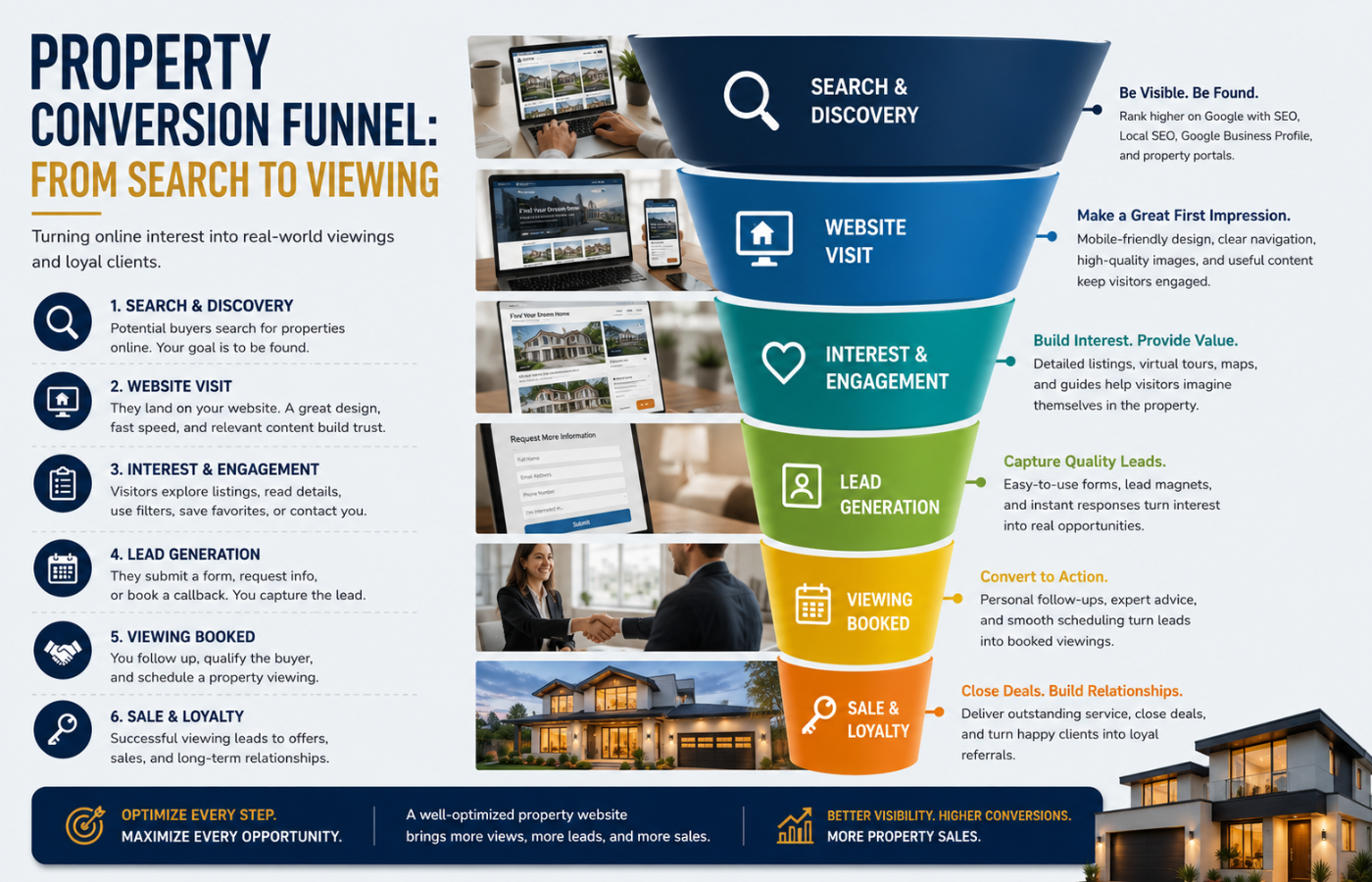
| Stage | User Intent | Design Feature That Converts |
|---|---|---|
| Discovery | “I need a 2-bed flat within 2 miles of station” | Smart search filters + map view |
| Shortlisting | “Which properties should I view?” | Save to favourites, compare properties, share via WhatsApp |
| Detailed review | “Is this worth my time to see?” | Video tours, floorplans, local school info, EPC certificates |
| Action | “Book a viewing now” | Sticky CTA button, click-to-call, live chat, simple form |
Common Property Website Design Mistakes
-
No floorplans (users assume you are hiding awkward layouts)
-
Outdated EPC or council tax information (looks lazy and untrustworthy)
-
Stock photography of agents (users want to see real faces)
-
Contact form with ten fields (name + phone + email + postcode + property + message + best time = 90% abandonment)
-
No social proof (recent sales, recent lets, number of happy clients)
-
Properties marked as “under offer” but still appearing first (wastes user time and frustrates)
-
No email alerts for new listings (you are losing repeat traffic)
Measuring Conversion Success for Property Websites
Track these metrics monthly:
-
Enquiry-to-viewing ratio (how many contacts turn into physical viewings)
-
Viewing-to-offer ratio (quality of leads your design attracts)
-
Average time on property detail pages (longer = more interest)
-
Bounce rate on search results pages (high bounce = poor filters or slow loading)
-
Mobile vs desktop conversion rates (if mobile is lower, your mobile design needs work)
-
Saved search sign-ups (warm leads for future properties)
Conclusion: Design That Sells Properties
Want a property website that turns online browsers into booked viewings — with design that sells homes before you even pick up the phone?
Get in touch with Orbitix today.