







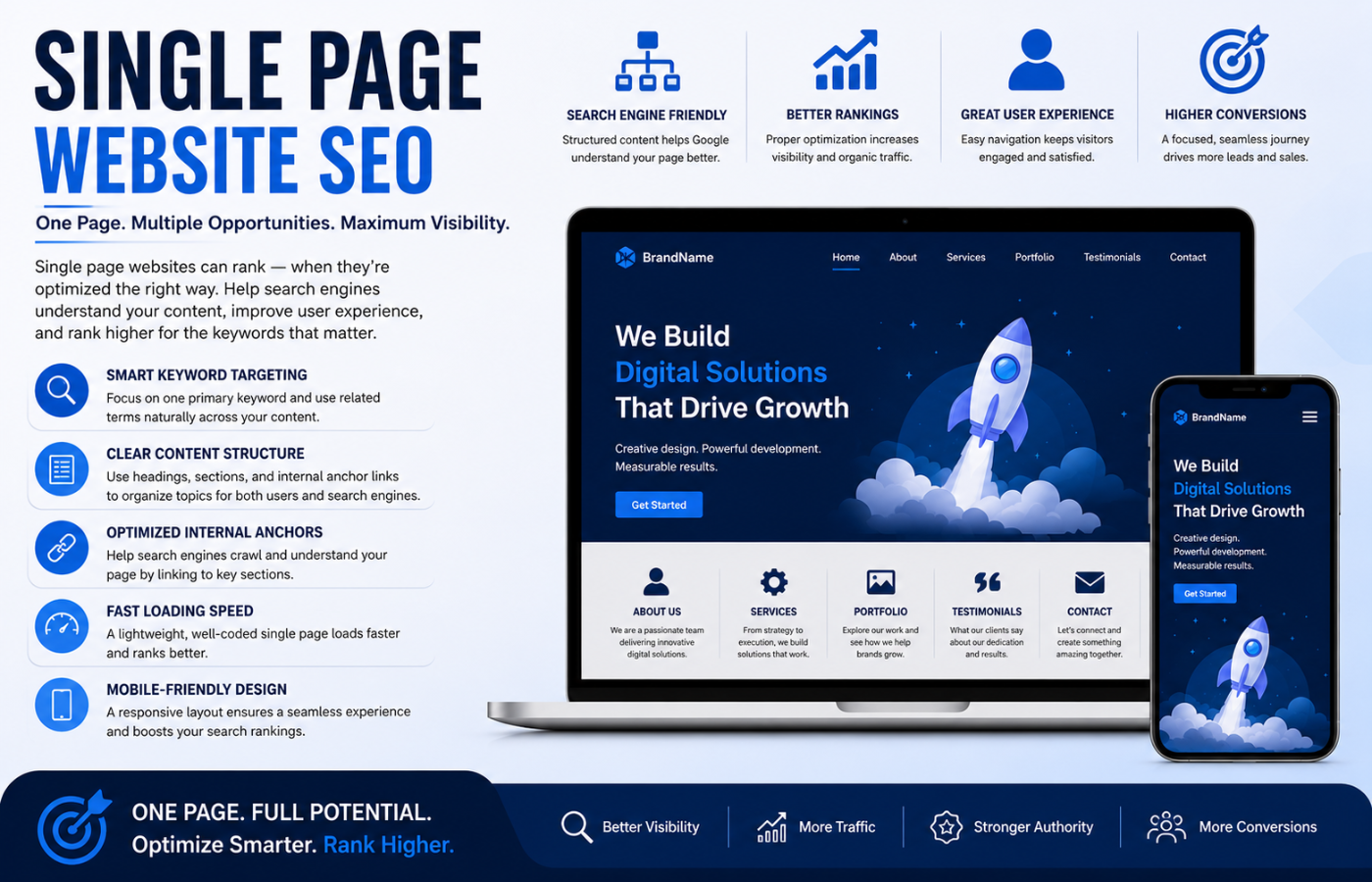
How to Optimize a Single Page Website for Search Engines
Why Single Page Websites Are Popular (And Problematic)
Single page websites (often built with React, Vue, Angular, or simple HTML/CSS) are beloved by designers and users alike. They offer seamless scrolling, instant navigation (no page reloads), and stunning visual storytelling. However, traditional SEO relies on multiple URLs — each targeting a specific keyword cluster. A single page has only one URL, one meta title, and one meta description. So how do you rank for “plumbing services,” “emergency plumber,” and “pipe repair cost” with only one page? The answer lies in intelligent, technical, and content-based strategies.
Proven Single Page Website SEO Techniques That Actually Work\

Mastering single page website SEO requires moving beyond traditional tactics. Here are the strategies that deliver rankings for one-page sites:
1. Use Hash Fragments (or Avoid Them) Correctly
Most single page sites use URL fragments (e.g., yoursite.com/#services) to jump between sections. The problem? Google traditionally ignores everything after the #. Modern Googlebot can index fragments, but it is inconsistent.
The Fix:
-
Use the History API (pushState) instead of hash fragments. This creates real URLs (
yoursite.com/services) without page reloads. -
If you must use fragments, add
meta name="fragment" content="!"and serve escaped snapshots (advanced). -
Better yet: implement dynamic rendering — serve a static, fully crawled version to Googlebot while users enjoy the single-page experience.
2. Create Separate, Indexable “Pseudo-Pages” With PushState
Using JavaScript’s History API, you can give each section its own URL (yoursite.com/about, yoursite.com/contact) without actual page reloads. Googlebot will crawl and index each as a separate page, even though users never leave the single-page interface.
Implementation: Ensure each “pseudo-page” has:
-
Unique meta title and description (update via JavaScript on URL change)
-
Unique heading structure (H1, H2s relevant to that section)
-
Its own content focus (no duplicate blocks across sections)
3. Implement Server-Side Rendering (SSR) or Pre-Rendering
Googlebot executes JavaScript, but it takes time, resources, and can fail. For reliable single page website SEO, pre-render your content:
-
SSR (Server-Side Rendering): The server sends fully rendered HTML to Googlebot (frameworks like Next.js, Nuxt.js, or Angular Universal).
-
Static Pre-Rendering: Generate static HTML files for each “view” at build time (Gatsby, Hugo, or tools like Prerender.io).
-
Dynamic Rendering: Detect Googlebot and serve a static snapshot instead of JavaScript-heavy code.
Result: Google sees complete, crawlable HTML instantly — no JavaScript execution delays or failures.
4. Use Section-Specific Heading Tags Strategically
On a multi-page site, each page has one H1. On a single page, you have one H1 for the entire document. That is a problem when you have five distinct topics.
The Fix:
-
Use one global H1 for your overall brand/value proposition.
-
Use H2 tags for each major section (Services, About, Portfolio, Contact).
-
Use H3-H6 tags for subsections within each major section.
-
Add hidden or off-screen headers for accessibility and SEO (screen readers and Google see them; users do not).
Example structure:
H1: Premium Plumbing Services in Oxford
H2: Our Residential Plumbing Services
  H3: Emergency Repairs
  H3: Leak Detection
H2: Commercial Plumbing Solutions
H2: What Our Customers Say
H2: Contact Us for a Free Quote
5. Create Deep Internal Anchor Links (With Descriptive Text)
Internal links help Google understand relationships between sections. Instead of linking to #services, use descriptive anchor links that double as keywords.
Good: <a href="/#emergency-plumbing">24/7 emergency plumbing</a>
Bad: <a href="#section2">Click here</a>
Ensure each major section has a unique ID and that your navigation links use descriptive, keyword-rich anchor text.
6. Build a Sitemap With Section Anchors
Your XML sitemap typically lists only your homepage URL. For single page website SEO, you can push Google to deeper sections:
-
List your main URL (
https://yoursite.com) -
Add
?parameterversions if your site supports query strings for sections -
Better yet: implement the History API and submit each pseudo-page URL (
/services,/about) as separate sitemap entries.
7. Never Hide Content in Tabs, Accordions, or Infinite Scroll (Without Care)
Designers love accordions and tabs to keep single pages clean. However, Google may ignore content hidden behind clicks or scroll-triggered loads.
The Fix:
-
Ensure all critical content is visible in the initial HTML (not lazy-loaded or hidden with
display:none). -
If using accordions, keep the full HTML in the DOM (just visually hidden) and use
aria-expandedattributes. -
Test with “Fetch as Google” or URL Inspection Tool to verify Google sees everything.
8. Focus on Schema Markup for Each Section
One page, multiple topics. Use section-specific schema:
-
For services:
ServiceorOfferschema -
For testimonials:
Reviewschema -
For team members:
Personschema -
For contact section:
ContactPointschema
Place each schema block near its relevant section. Google can associate different schema types with different parts of the same page.
9. Prioritise Page Speed (Your Natural Advantage)
Single page websites load once, then navigate via JavaScript. This can be a massive SEO advantage:
-
First Contentful Paint (FCP) should be under 1.5 seconds
-
Largest Contentful Paint (LCP) under 2.5 seconds
-
Cumulative Layout Shift (CLS) under 0.1
Optimise images (WebP format, lazy loading), minify CSS/JS, use a CDN, and enable compression. A fast single page site often outranks slower multi-page competitors.
10. Build External Backlinks to Deep Sections
Most people link to your homepage (yoursite.com). For single page website SEO, encourage backlinks to specific sections using the anchor links:
-
Ask a partner to link to
yoursite.com/#commercial-plumbing -
Ensure your anchor link URLs are crawlable (avoid fragments if possible, use pushState URLs like
/commercial-plumbing)
Common Single Page Website SEO Mistakes
| Mistake | Consequence | Fix |
|---|---|---|
| All content loaded via JavaScript with no static fallback | Google sees blank page | Implement SSR or pre-rendering |
| One H1 for the entire page | No topical hierarchy for multiple sections | Use section-based H2s with hidden H1s if needed |
Hash fragments (#services) as only navigation |
Google may not index deep content | Use History API (pushState) |
| No XML sitemap or only homepage listed | Deep content never discovered | Submit pseudo-page URLs |
| Content hidden in accordions/tabs | Google ignores it | Ensure HTML is present, even if visually hidden |
| Identical meta title/description for all sections | Google cannot differentiate topics | Update meta tags dynamically via JavaScript |
Tools to Test Your Single Page SEO
-
Google Search Console > URL Inspection: Shows exactly what Google sees. Check your rendered HTML.
-
Mobile-Friendly Test: Also shows rendered HTML and JavaScript console errors.
-
Screaming Frog SEO Spider: With JavaScript rendering enabled, crawls single page sites effectively.
-
Lighthouse: Tests performance, accessibility, and SEO in one report.
Conclusion: One Page, Many Opportunities
Want a single page website that ranks for everything you offer — without compromising on design or user experience?
Get in touch with Orbitix today.