





How to Create Local Landing Pages That Rank and Convert
Why Most Local Landing Pages Fail
The most common mistake is duplicate content. Google penalises identical pages that only change the city name. A page for “Plumber in Manchester” and “Plumber in Birmingham” cannot have the same paragraphs, same testimonials, and same service descriptions. Google sees this as thin, duplicate content and ranks none of them. Successful multi-location SEO treats each landing page as its own unique asset — with local references, local testimonials, local photos, and locally relevant content.
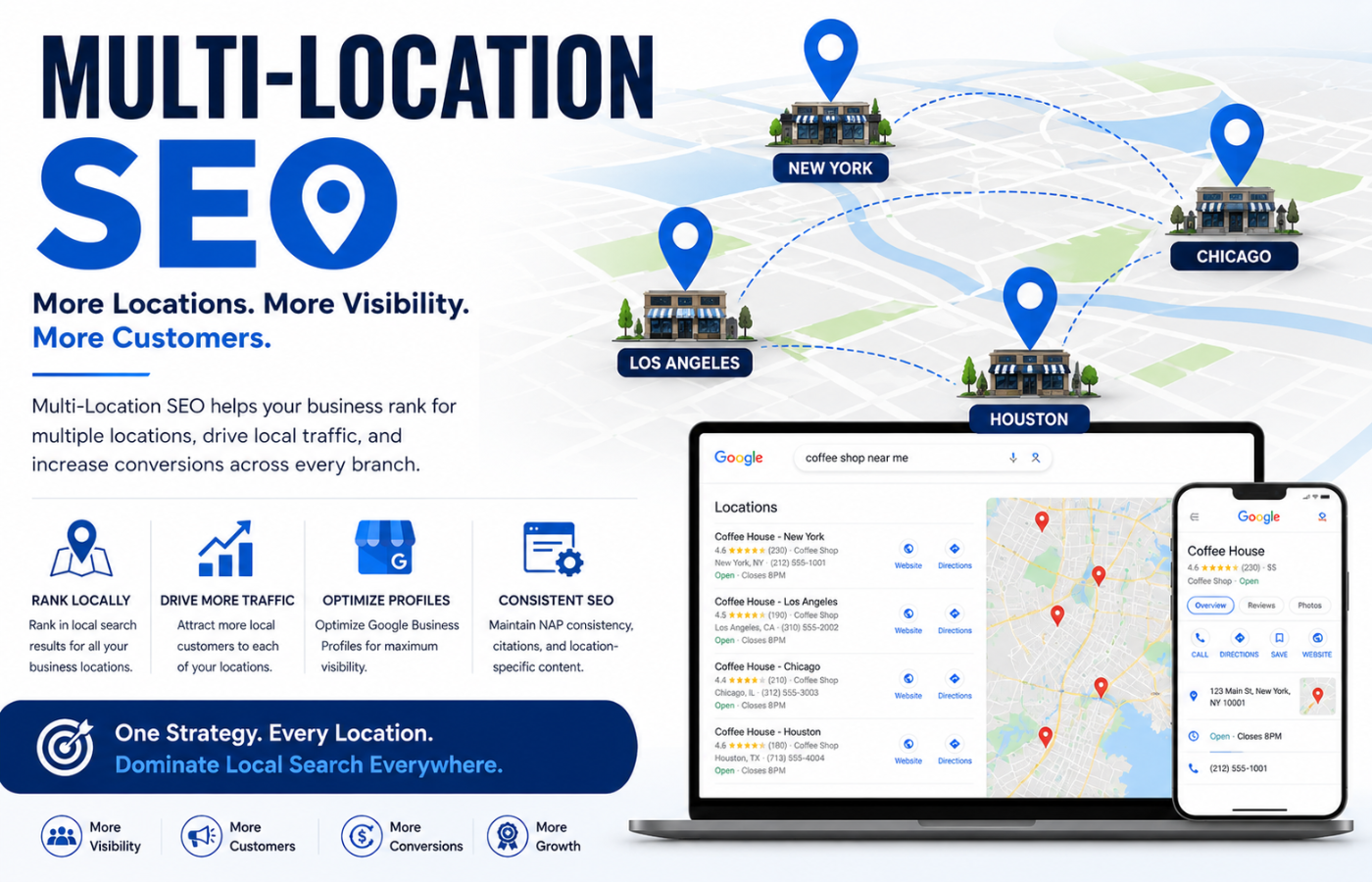
How Multi-Location SEO Creates Landing Pages That Rank and Convert
Professional multi-location SEO follows a structured approach to building landing pages that Google loves and customers trust:
1. Unique Content for Every Location
This is non-negotiable. Each city or neighbourhood page must have:
-
Unique opening paragraph (not templated)
-
Local landmarks and references (e.g., “near the cathedral,” “just off the motorway”)
-
Local service examples (“We handle damp issues common in Victorian terrace properties in this area”)
-
Local testimonials (real customers from that specific location)
-
Local photos (your team at that branch, local projects, shopfront)
Why it works: Google rewards uniqueness. Duplicate content gets filtered out of search results.
2. Location-Specific Keywords
Generic keywords like “plumber” are too competitive. Multi-location SEO targets:
-
City + service: “Plumber in Manchester,” “Dentist in Birmingham”
-
Neighbourhood + service: “Plumber in Didsbury,” “Dentist in Moseley”
-
Landmark + service: “Plumber near Old Trafford,” “Dentist near Bullring”
-
Problem + location: “Damp proofing Manchester terraced houses”
3. NAP Consistency Across Pages
Each location page must display:
-
Full address with correct postcode
-
Local phone number (with area code — builds local trust)
-
Opening hours (specific to that branch)
-
Embedded Google Maps showing the exact location
Why it matters: Inconsistent NAP confuses Google and customers. Your multi-location SEO strategy must maintain perfect consistency across every page and directory.
4. Individual Google Business Profiles for Each Location
Every branch needs its own GBP. Multi-location SEO ensures:
-
Each GBP has unique categories, photos, and service listings
-
Reviews are directed to the correct location page
-
Opening hours, addresses, and service areas are accurate per branch
-
Each profile is actively managed (posts, Q&A, review responses)
Why it works: GBPs are the #1 local ranking factor. One GBP for multiple locations confuses Google and customers.
5. Local Schema Markup
Schema tells Google exactly what your page is about. For multi-location SEO, use:
-
LocalBusinessschema with address, phone, geo-coordinates -
OpeningHoursschema (per location) -
Serviceschema for each service offered at that location -
Reviewschema showing location-specific testimonials
6. Location-Specific Landing Page Structure
Each page should follow a conversion-focused structure:
| Section | Content | Purpose |
|---|---|---|
| H1 | [Service] in [City] | Primary keyword, clear topic |
| Intro paragraph | Unique intro with local reference | Captures attention, signals relevance |
| Service list | Services offered at this location | Answers “what do you do here?” |
| Local testimonials | Real customers from this area | Social proof, builds trust |
| Area info | Local landmarks, transport links | Shows local knowledge |
| Map and directions | Embedded Google Maps | Makes it easy to visit |
| CTA | Call, book, or contact | Converts visitor to lead |
7. Location-Specific Reviews
Reviews from local customers are gold. Multi-location SEO includes:
-
Location-specific review requests: “If you’re happy with our service in [city], please leave a review”
-
Review responses mentioning the city (“Thanks Sarah from [neighbourhood] for your kind words”)
-
Showing reviews on the correct location page (not mixed across branches)
8. Internal Linking Between Location Pages
Your internal link structure tells Google which locations you serve and which are most important:
-
Link from homepage to your primary location pages
-
Link between nearby locations (“Also serving [nearby city]”)
-
Use descriptive anchor text (“Plumber in Salford,” not “click here”)
9. Local Backlinks for Each Location
Each landing page should attract backlinks from local sources:
-
Local Chamber of Commerce
-
Community event sponsorships
-
Local business associations
-
Local news mentions
-
Neighbourhood blogs and directories
Why it works: Local backlinks signal to Google that you are a trusted part of each community.
10. Performance Tracking by Location
Multi-location SEO requires granular tracking. Monitor per location:
-
Local pack rankings for each city/neighbourhood
-
Phone call volume per branch (call tracking)
-
Direction requests per location (GBP insights)
-
Page traffic and conversions per landing page
-
Review count and rating per branch
Common Multi-Location SEO Mistakes
| Mistake | Why It Hurts | Fix |
|---|---|---|
| Duplicate content across location pages | Google penalises or ignores pages | Write 100% unique content per location |
| One GBP for multiple locations | Confuses Google and customers | Separate GBP per branch |
| No local phone numbers | Misses local trust signal | Use area-code phone numbers per location |
| Identical meta titles/descriptions | Google sees duplicates | Unique meta data per location |
| No local schema | Google misses location signals | Add LocalBusiness schema per page |
| Ignoring neighbourhood keywords | Missing hyper-local search traffic | Target neighbourhoods within cities |
| No local backlinks | Weak local authority | Build relationships per location |
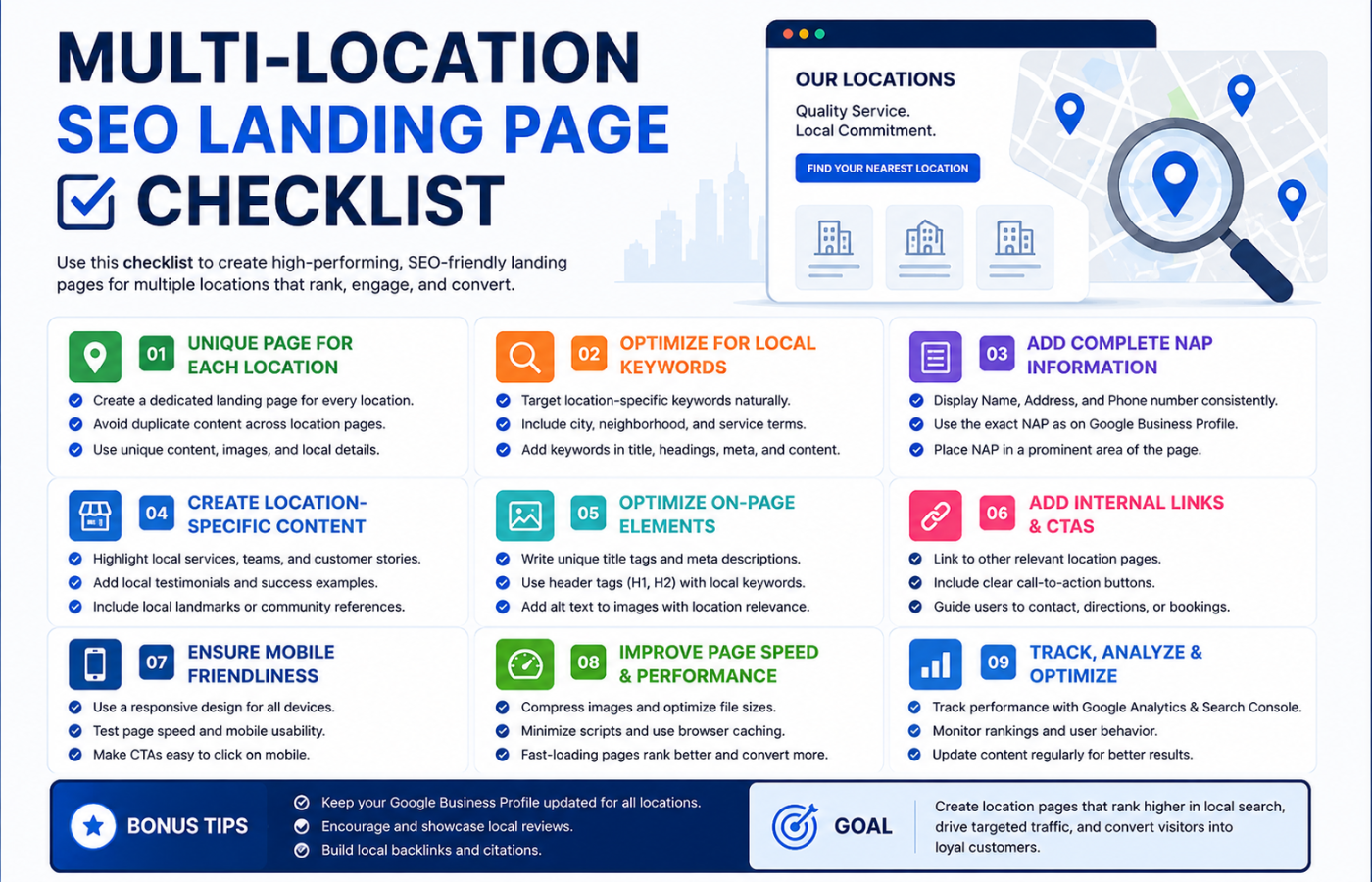
Multi-Location SEO Landing Page Checklist
-
Unique H1 and meta data per location
-
Unique body content (no copy-paste)
-
Full address with correct postcode
-
Local phone number (area code)
-
Opening hours for that branch
-
Embedded Google Maps
-
Local testimonials (real customers)
-
Local photos (branch, team, projects)
-
Local schema markup
-
Local backlinks (Chamber of Commerce, etc.)
-
Internal links from homepage and related pages
-
Separate GBP per branch
Conclusion: Think Local, Rank Local, Convert Local
Want local landing pages that rank in every city you serve — with unique content, local backlinks, and conversion-focused design?
Get in touch with Orbitix today.