







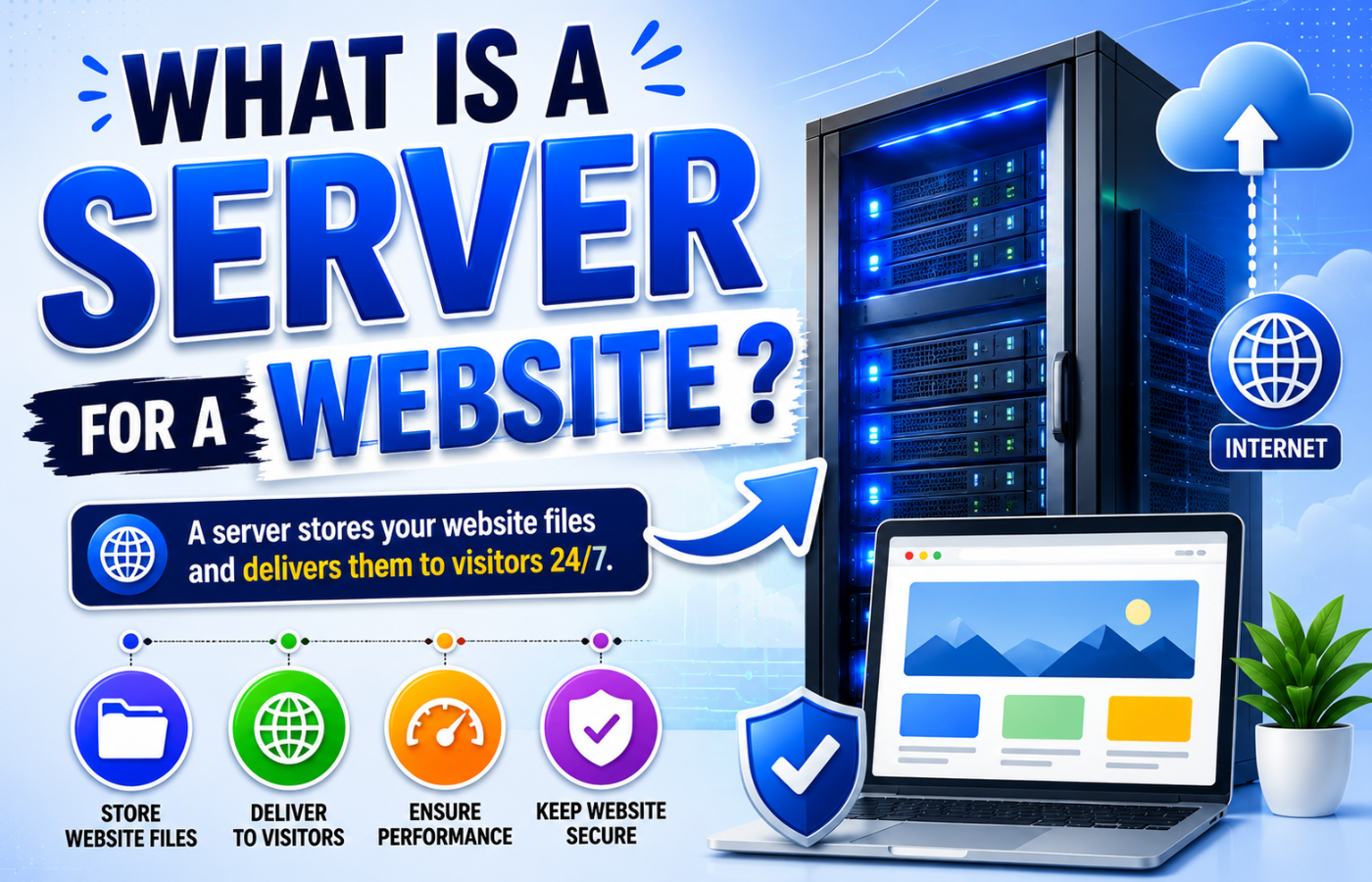
What Is a Server for a Website? Common Types and Their Benefits
Why Server Choice Matters for Your Business
Many small business owners never think about their server until something goes wrong — the site crashes during a sale, loads too slowly, or gets hacked. The right server prevents these disasters. The wrong server costs you customers, revenue, and trust. Knowing your options helps you make an informed decision.
What Is a Server for a Website? Breaking Down the Common Types
Now that you understand what is a server for a website, let us explore the most common types and their benefits:
1. Shared Hosting
How it works: Your website shares a single server with hundreds or thousands of other websites. Resources (CPU, RAM, storage) are divided among all users.
Best for: Small personal blogs, hobby sites, or very low-traffic local business websites.
Benefits:
-
Cheapest option (£3-10 per month)
-
No technical maintenance required
-
Provider handles security and updates
Drawbacks:
-
Slow during traffic spikes (other sites on the server can slow you down)
-
Security risks (a hacked neighbour site can affect you)
-
Limited control over server settings
Verdict: Fine for starting out. Upgrade as soon as you depend on your website for leads.
2. Virtual Private Server (VPS)
How it works: A physical server is divided into multiple virtual servers. Each acts like its own dedicated server with guaranteed resources.
Best for: Growing small businesses, e-commerce stores, local service businesses with consistent traffic.
Benefits:
-
Dedicated resources (no “noisy neighbour” slowdowns)
-
More control and customisation
-
Better security than shared hosting
-
Scalable (add resources as you grow)
-
£20-100 per month
Drawbacks:
-
Requires some technical knowledge (or managed VPS option)
-
More expensive than shared hosting
Verdict: The sweet spot for most small to medium businesses.
3. Dedicated Server
How it works: You lease an entire physical server exclusively for your website. No sharing with anyone.
Best for: Large e-commerce stores, high-traffic websites, businesses with custom security requirements.
Benefits:
-
Maximum performance (all resources are yours)
-
Complete control over configuration
-
Highest security (no neighbours)
-
Handles massive traffic spikes
Drawbacks:
-
Expensive (£100-500+ per month)
-
Requires technical expertise or a managed provider
-
Overkill for most small businesses
Verdict: Only necessary for enterprise-level traffic (millions of visits per month).
4. Cloud Hosting
How it works: Your website lives on a network of interconnected servers (the cloud). Resources scale automatically based on demand.
Best for: Businesses with variable traffic (seasonal spikes, flash sales, viral content), startups expecting growth.
Benefits:
-
Pay-as-you-go pricing (only pay for what you use)
-
Automatic scaling (no crashes during traffic spikes)
-
High redundancy (if one server fails, another takes over)
-
Fast load times worldwide (content delivered from nearest server)
Drawbacks:
-
Costs can be unpredictable (viral traffic = surprise bill)
-
More complex to configure than shared hosting
Verdict: Excellent for growing businesses and e-commerce.
5. Managed WordPress Hosting
How it works: A specialised hosting environment optimised specifically for WordPress, with automatic updates, backups, and security.
Best for: WordPress users who want performance without technical hassle.
Benefits:
-
Pre-configured for speed (server-level caching, CDN integration)
-
Automatic WordPress core and plugin updates
-
Built-in staging environment (test changes before going live)
-
Expert WordPress support
-
£20-100 per month
Drawbacks:
-
Only works for WordPress (not for other platforms)
-
More expensive than generic shared hosting
Verdict: The best choice for most small businesses using WordPress.
Comparison Table: Which Server Type Is Right for You?
| Server Type | Monthly Cost | Best For | Technical Skill Needed | Traffic Capacity |
|---|---|---|---|---|
| Shared Hosting | £3-10 | Personal blogs, hobby sites | Low | Low (under 10k visits/month) |
| VPS | £20-100 | Growing small business, e-commerce | Medium (or managed VPS) | Medium (10k-100k visits/month) |
| Dedicated Server | £100-500+ | Enterprise, high-security needs | High | High (millions of visits) |
| Cloud Hosting | Pay-as-you-go (£10-200+) | Variable traffic, startups | Medium | Scales automatically |
| Managed WordPress | £20-100 | WordPress small business | Low (they manage it for you) | Medium to high |
Key Factors to Consider When Choosing a Server
Beyond understanding what is a server for a website, consider these factors:
Speed (Core Web Vitals)
Your server directly impacts page load time. Shared hosting often struggles. VPS, cloud, or managed WordPress deliver consistently faster speeds.
Uptime Guarantee
Look for 99.9% uptime or higher. That means your site is down for less than 9 hours per year. Cheap shared hosts often deliver 99.5% (44 hours of downtime annually).
Scalability
Can you easily upgrade resources as your traffic grows? Cloud and VPS scale easily. Shared hosting requires migrating to a new plan.
Security
Shared hosting has more vulnerability to neighbour sites. VPS, dedicated, and managed WordPress offer stronger isolation and security features.
Support
When your site goes down at 2 AM, who do you call? Managed providers offer 24/7 support. Budget providers may offer only email tickets.
Common Server Mistakes Small Businesses Make
| Mistake | Why It Hurts | Better Option |
|---|---|---|
| Choosing cheapest shared hosting | Slow speeds, frequent downtime, security risks | Managed WordPress or VPS |
| Staying on shared hosting after traffic grows | Site crashes during peak hours | Upgrade to VPS or cloud |
| No backup solution | One hack = all content lost | Managed hosting with daily backups |
| Ignoring server location | Slower load times for distant visitors | Choose server near your audience (UK server for UK customers) |
| Not using a CDN | Global visitors wait longer | Add Cloudflare (free tier available) |
How Server Choice Affects SEO
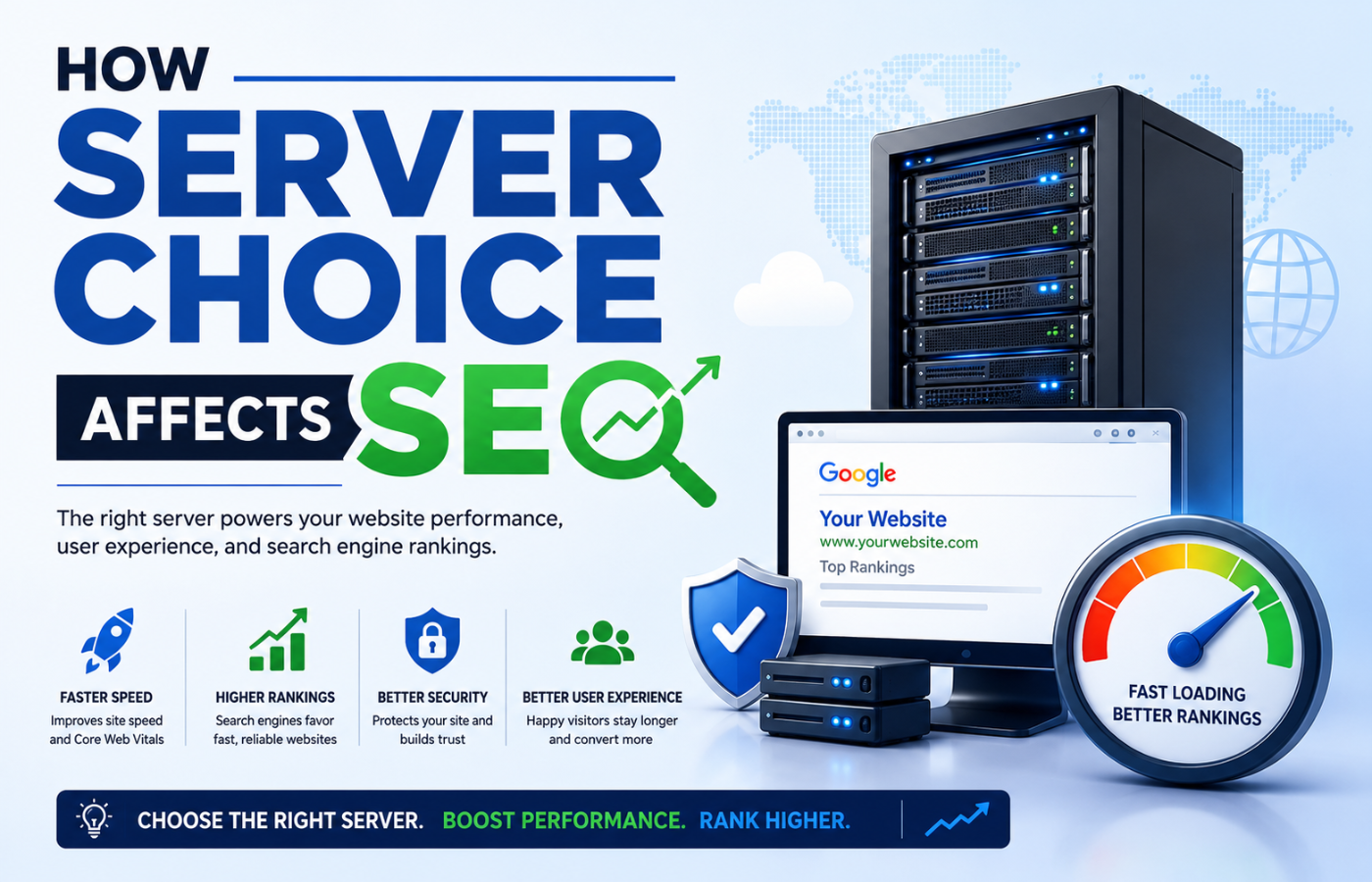
Google uses page speed as a ranking factor. Slow servers = slow sites = lower rankings. Core Web Vitals (LCP, FID, CLS) are directly impacted by server response time (Time To First Byte). A good server delivers TTFB under 200ms. Cheap shared hosting often delivers 500-1000ms.
Conclusion: Your Server Is Your Website’s Foundation
Want a fast, secure, and reliable server setup that keeps your website online and ranking — without the technical headaches?
Get in touch with Orbitix today.