






Bing Business Listings: The Complete Guide for Better Visibility
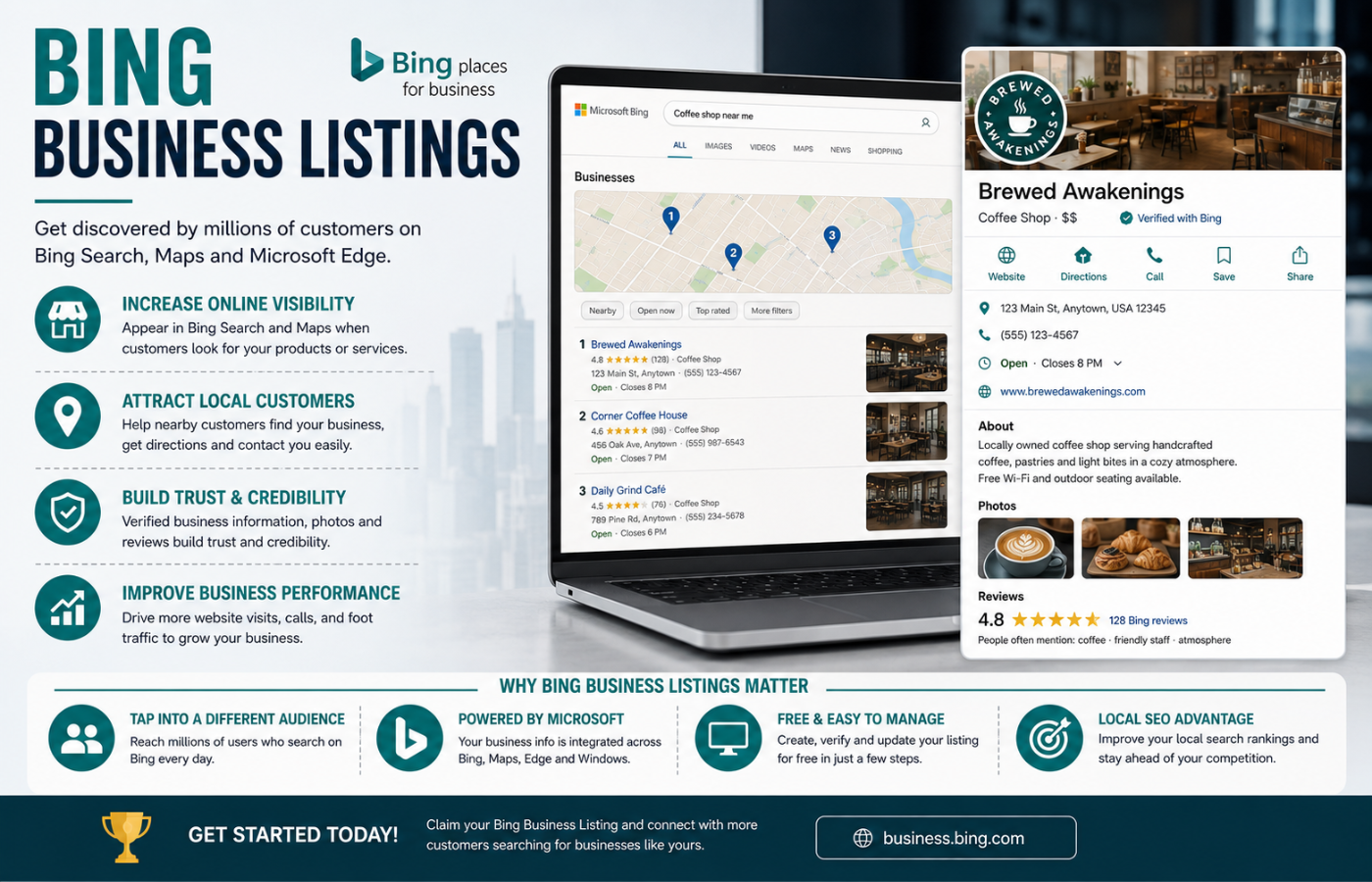
Bing Business Listings are one of the most overlooked opportunities in local search today. While Google dominates the conversation, Bing quietly powers search results for Microsoft Edge, Windows devices, Cortana, Amazon Alexa, and increasingly AI assistants like Microsoft Copilot and ChatGPT. A properly optimised Bing Business Listing ensures your business appears not only in Bing search results and Bing Maps but also in the AI-generated answers that are becoming the first stop for consumer research. For businesses operating in multiple service areas, Bing listings can also strengthen Multi-location SEO by improving visibility across different geographic markets and helping each location rank more effectively in local searches. With roughly 8% of the U.S. search market and over 11% of desktop searches, Bing represents a low-competition channel where a small optimisation effort can deliver significant visibility gains.
Why Bing Business Listings Matter in 2026
Bing’s direct search share may be smaller than Google’s, but its reach extends far beyond its search engine. Bing feeds data to Microsoft Copilot, a large portion of ChatGPT’s search answers, and other platforms like DuckDuckGo . When someone asks an AI assistant for a local business recommendation, the answer often draws from Bing Places data. If your business isn’t listed, you won’t appear in these AI-generated results .
The platform also underwent a major redesign in October 2025, moving to a new domain at bing.com/forbusiness with improved import tools, a cleaner dashboard, and smarter recommendations for optimising listings . In May 2026, Bing Places became mobile-friendly, making it easier to manage your listing from any device .
How to Set Up Your Bing Business Listing
Setting up a Bing Business Listing is free and straightforward. Here’s a step-by-step guide:
1. Create or Sign In to Your Account
Go to bing.com/forbusiness and sign in with a Microsoft account. You can also sign in using Google or Facebook credentials .
2. Claim or Add Your Business
Search for your business by name and location. If a listing already exists, claim it by selecting “improve existing listing” . If not, click “create new business” and add your details manually .
3. Import from Google (Fastest Method)
You can import your existing Google Business Profile—this copies your business name, address, hours, categories, and photos, saving you from retyping everything. This import option may also provide instant verification if your Google profile is already verified .
4. Complete Your Profile
Add your business name, address, phone number, website, opening hours, description, and services. Be specific with your primary business category—choose the most accurate one rather than a generic catch-all .
5. Add Photos
Listings with images appear more prominently in search results . Add at least 10 high-quality photos including your storefront, interior, team, and products or services .
6. Verify Your Listing
Before your listing goes live, you need to verify it. Verification options include:
-
Phone or SMS: Instant PIN code
-
Email: Usually within minutes to a few hours
-
Postcard: Takes 1–2 weeks to arrive
Importing a verified Google Business Profile may offer automatic verification .
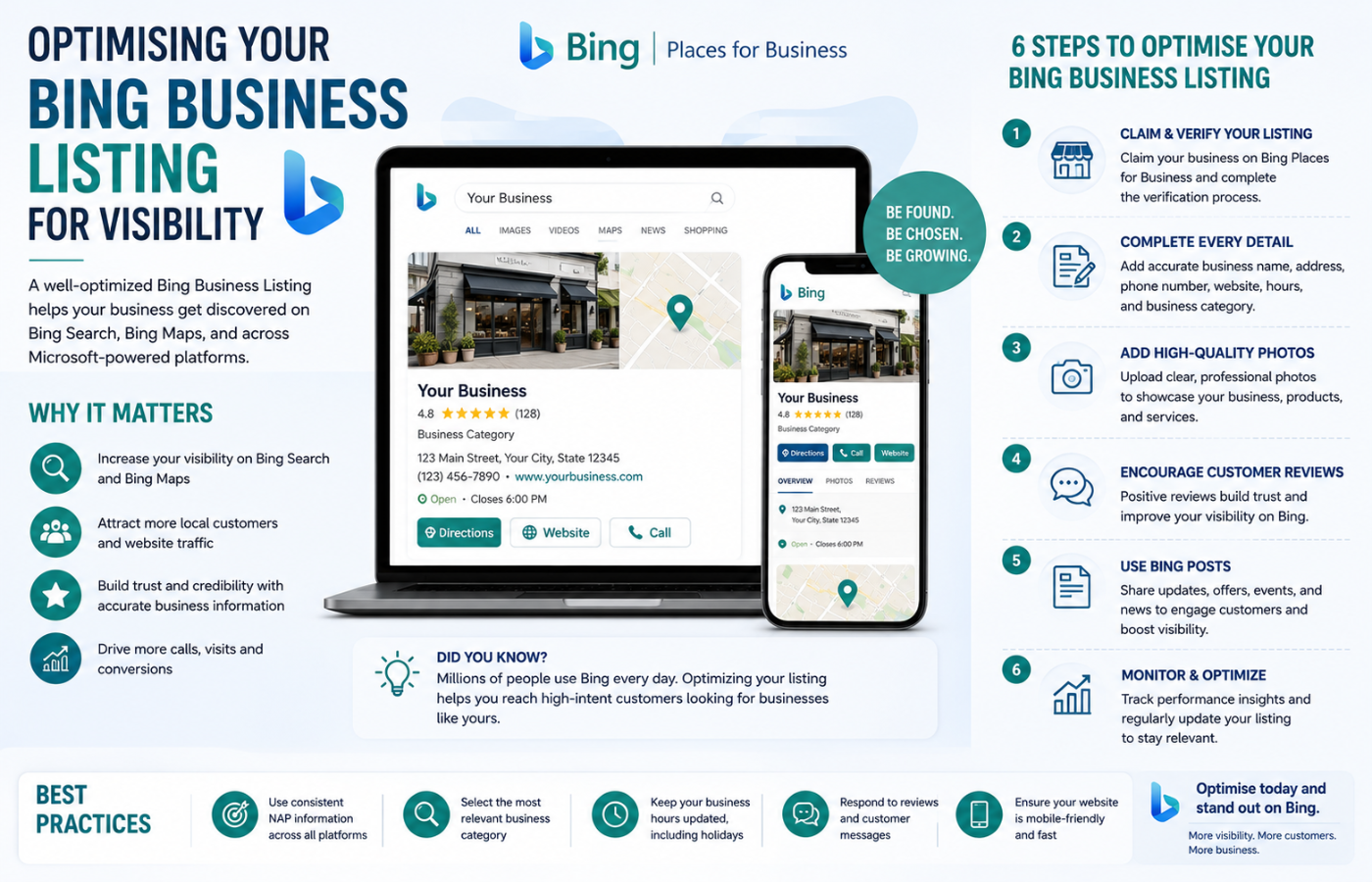
Optimising Your Bing Business Listing for Visibility
1. Maintain NAP Consistency
Your Name, Address, and Phone number must be identical across your website, Google Business Profile, and all online directories. Inconsistent NAP information confuses both Bing and customers .
2. Use Relevant Keywords
Bing evaluates your business categories and description to understand what you offer. Add keywords naturally into your business description and choose secondary categories that reflect specific services .
3. Encourage and Respond to Reviews
Bing aggregates reviews from sources like Yelp, Facebook, and TripAdvisor rather than hosting its own review system . Build your reputation on these platforms to improve your Bing listing’s prominence. Responding to reviews—both positive and negative—builds trust and signals engagement to prospective customers .
4. Build Local Backlinks
Backlinks from local Chamber of Commerce sites, business associations, and community organisations signal trust and relevance to Bing .
5. Remove Duplicate Listings
Duplicate listings confuse customers and harm local SEO. Search for your business on Bing and report any duplicates to Bing support .
Conclusion: A Low-Effort Win for Local Visibility
Want a Bing Business Listing that drives visibility across search, maps, and AI assistants—without the hassle of managing everything yourself?
Get in touch with Orbitix today.