





How to Hire a WordPress Developer That Fits Your Budget
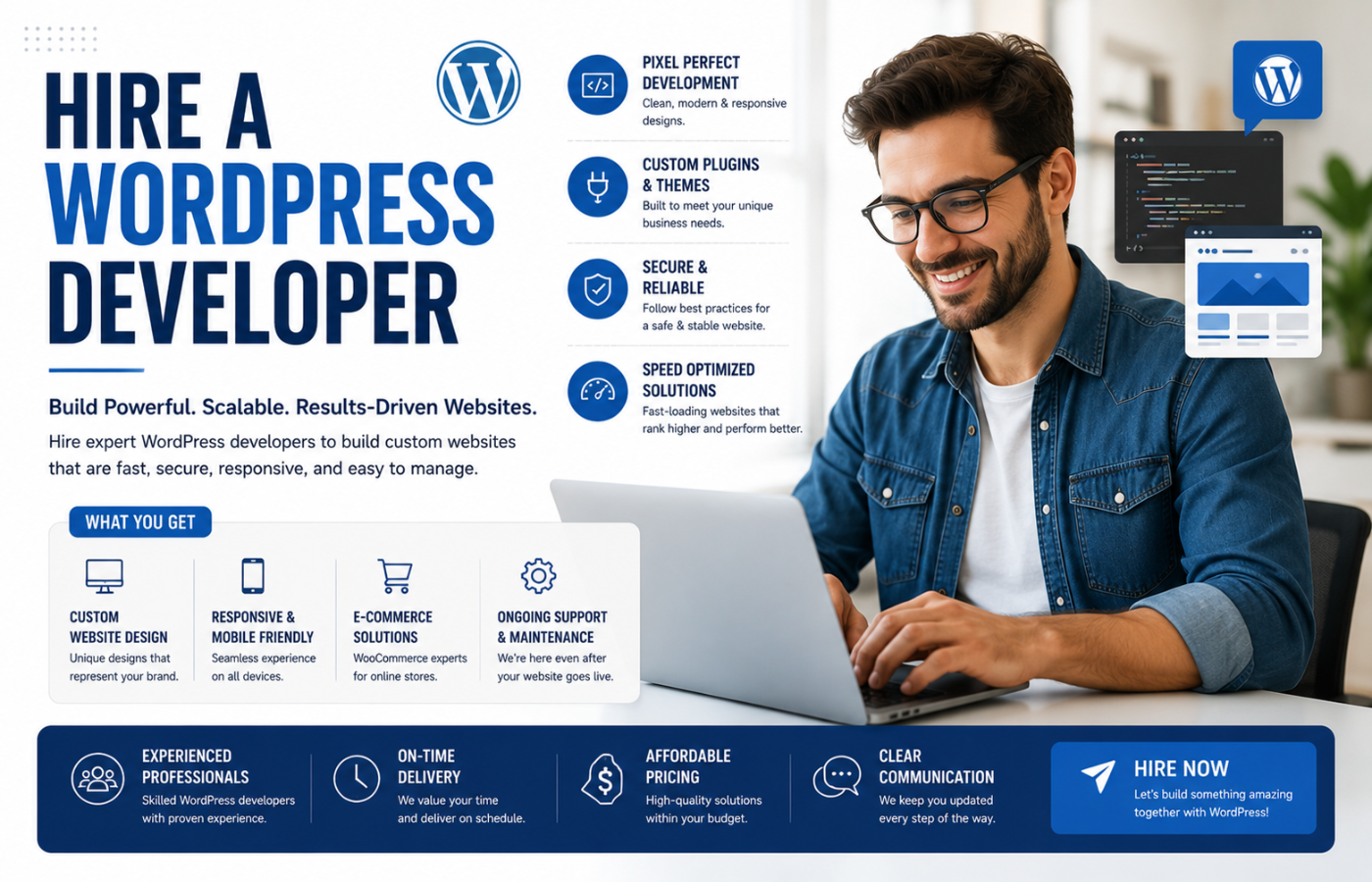
Learning how to hire a WordPress developer that fits your budget is one of the most critical decisions for any business owner or entrepreneur building an online presence. WordPress powers over 40% of all websites globally, making it the most popular content management system on the planet. However, not every developer is the right fit for your specific needs, timeline, or financial constraints. If your project requires ongoing support, choosing a Dedicated Developer for WordPress can provide consistent expertise, faster turnaround times, and long-term value. When you hire a WordPress developer, you are not just paying for code—you are investing in your business’s digital foundation, security, performance, and scalability. This guide walks you through exactly how to find the right developer without breaking the bank.
Why Hiring the Right Developer Matters
A skilled WordPress developer does more than just build a website—they ensure your site is fast, secure, and scalable. Poor development choices lead to slow load times, security vulnerabilities, and expensive fixes later. Getting the hiring decision right the first time saves you money, time, and headaches.
How to Hire a WordPress Developer That Fits Your Budget
Step 1: Define Your Project Scope
Before you start looking, know exactly what you need:
-
What type of site? Blog, business website, eCommerce store, membership site, custom application?
-
What features? Custom post types, payment gateways, third-party integrations, multilingual support?
-
What’s your timeline? Is this a 2-week project or a 6-month engagement?
-
What’s your budget range? Be realistic—a $500 site and a $10,000 site are entirely different scopes.
Step 2: Understand Developer Pricing Models
| Pricing Model | Best For | Typical Rates |
|---|---|---|
| Hourly | Small tasks, ongoing maintenance, bug fixes | $30–$150/hour (depending on location & expertise) |
| Fixed Price | Well-defined projects with clear deliverables | $1,000–$30,000+ depending on complexity |
| Retainer | Ongoing work (maintenance, updates, new features) | $1,000–$5,000/month |
| Monthly Maintenance | Security updates, backups, minor changes | $50–$500/month |
Step 3: Where to Find WordPress Developers
| Platform | Best For | Pros | Cons |
|---|---|---|---|
| Upwork / Freelancer | Project-based work, variety of budgets | Large talent pool, ratings, built-in payments | Quality varies widely |
| Codeable | WordPress-only expert developers | Vetted experts, WordPress focused | Higher rates than general freelancers |
| Toptal | Top-tier talent, complex projects | Rigorously screened, reliable | Premium pricing |
| Fiverr | Low-budget, simple tasks | Very affordable, quick turnaround | Higher risk, limited technical depth |
| LinkedIn / Networking | Full-time hires | Personal referrals, cultural fit | Slower, more expensive |
| WordPress.org Jobs | Dedicated WordPress community | Targeted audience | Limited reach |
Step 4: Review Portfolios and Experience
When evaluating candidates:
-
Check past work: Review live sites they’ve built—are they fast, mobile-responsive, and visually polished?
-
Ask about specific experience: Have they worked on projects similar to yours (e.g., WooCommerce, LearnDash, custom APIs)?
-
Check reviews and testimonials: What do previous clients say about their communication, reliability, and quality?
Step 5: Ask the Right Questions
During the interview or proposal stage, ask these questions:
-
“What is your process for understanding client requirements?”
-
“Can you share examples of WordPress sites you’ve built that are similar to my project?”
-
“How do you handle performance optimisation and speed?”
-
“What security measures do you implement on client sites?”
-
“How do you handle project communication and updates?”
-
“What happens after launch—do you offer maintenance and support?”
-
“What is your estimated timeline for a project like mine?”
Step 6: Check Technical Skills
Look for these technical competencies:
-
Core WordPress: Theme/plugin development, custom post types, Advanced Custom Fields (ACF), WP-CLI
-
Frontend: HTML, CSS, JavaScript, responsive design, CSS frameworks (Tailwind, Bootstrap)
-
Backend: PHP (modern versions), MySQL, REST API, caching mechanisms, security best practices
-
Performance: Database optimisation, caching strategies, CDN integration, image optimisation
-
DevOps: Staging environments, version control (Git), deployment workflows
Step 7: Start Small Before Committing Large
Consider offering a small paid test project—a minor bug fix or a small feature addition—to evaluate their communication, work quality, and responsiveness before investing in a major project.
Step 8: Define a Clear Contract
Always formalise the arrangement with a written contract covering:
-
Project scope and deliverables
-
Timeline and milestone dates
-
Payment schedule (never pay 100% upfront)
-
Revisions policy
-
Ownership of code and intellectual property
-
Confidentiality and non-disclosure
-
Post-launch support terms
Step 9: Plan for Ongoing Maintenance
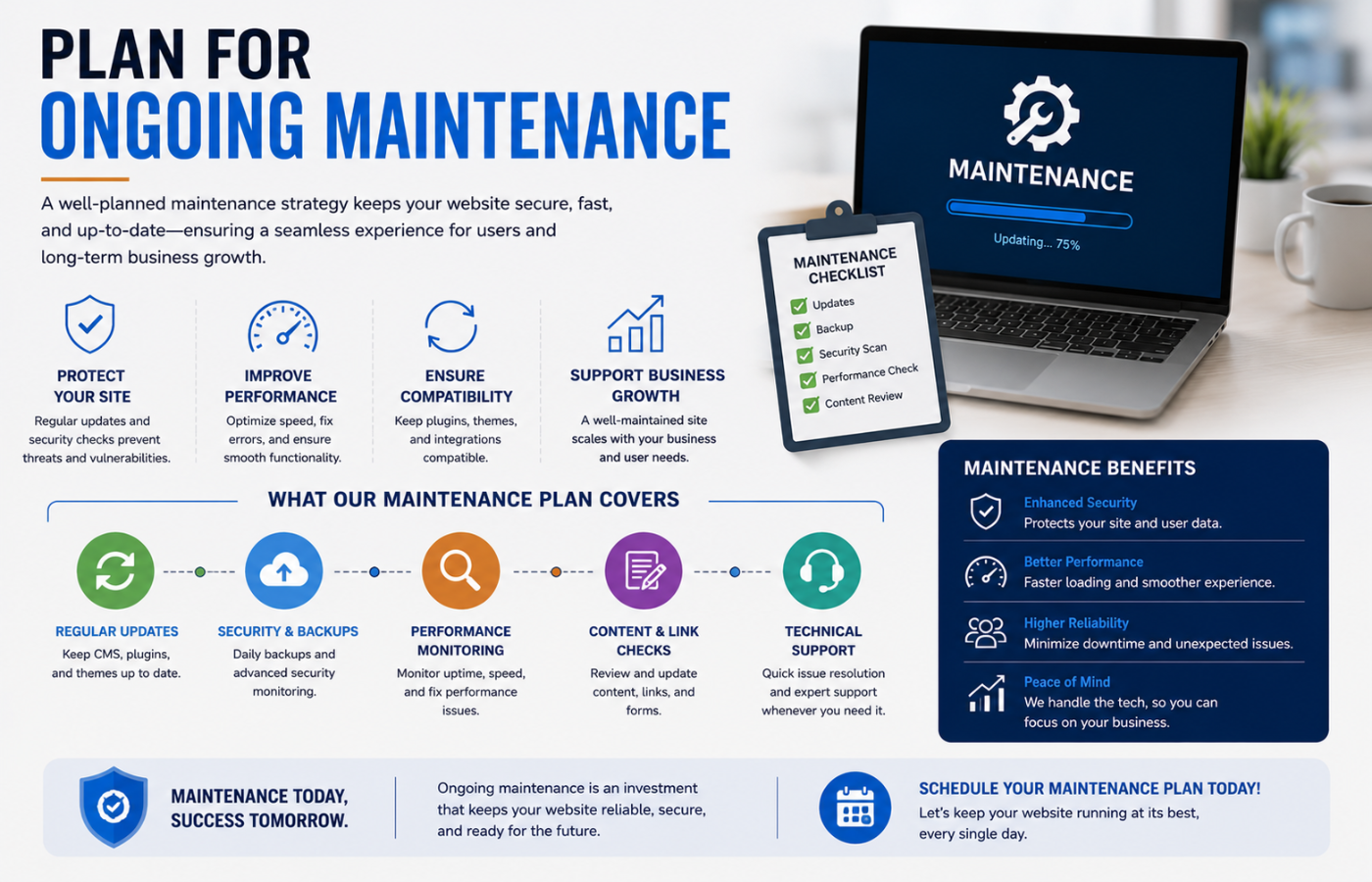
A website needs ongoing updates, security monitoring, and backups to stay secure and performant. Budget for monthly maintenance separately or include it in your developer agreement.
Key Developer Roles to Understand
| Role | Responsibilities | When to Hire |
|---|---|---|
| Freelancer | Solo developer handling specific tasks | Short-term projects, budget constraints |
| Agency | Team of developers, project managers, designers | Complex builds requiring multiple skills |
| In-House Developer | Dedicated full-time employee | Long-term, large-scale operations |
Red Flags When Hiring
| Red Flag | Why It’s a Warning |
|---|---|
| Unusually low rates | Quality or security likely compromised |
| No portfolio or real examples | Hiding lack of experience |
| No contract or scope of work | Project creep will cost you |
| Asks for 100% upfront | No accountability after payment |
| Avoids communication tools | Poor communication throughout |
| Promises unrealistic timelines | Rushed work likely full of bugs |
Common Hiring Mistakes to Avoid
| Mistake | Why It Hurts | Fix |
|---|---|---|
| Hiring on price alone | Inexpensive developers often produce costly problems | Balance cost with quality and experience |
| Ignoring ongoing maintenance | Sites become outdated and insecure | Budget for monthly maintenance |
| Not testing before hiring | Risk of poor quality and wasted budget | Start with a small test project |
| Unclear project scope | Costs spiral, timeline delays | Define deliverables and requirements upfront |
Conclusion
Hiring the right WordPress developer is about finding a balance between cost, quality, and reliability. A budget-friendly developer who delivers secure, fast, and scalable code is a valuable investment. A cheap developer who cuts corners will cost you far more in the long run. If you’re working with a reputable WordPress Web Design Company, you can often access both expert development and ongoing support under one roof. The key is to clearly define your project scope, evaluate candidates based on experience and communication, and start with small test projects before full commitment.
Want to hire a WordPress developer who delivers reliable, fast, and secure code—without blowing your budget?
Get in touch with Orbitix today.