






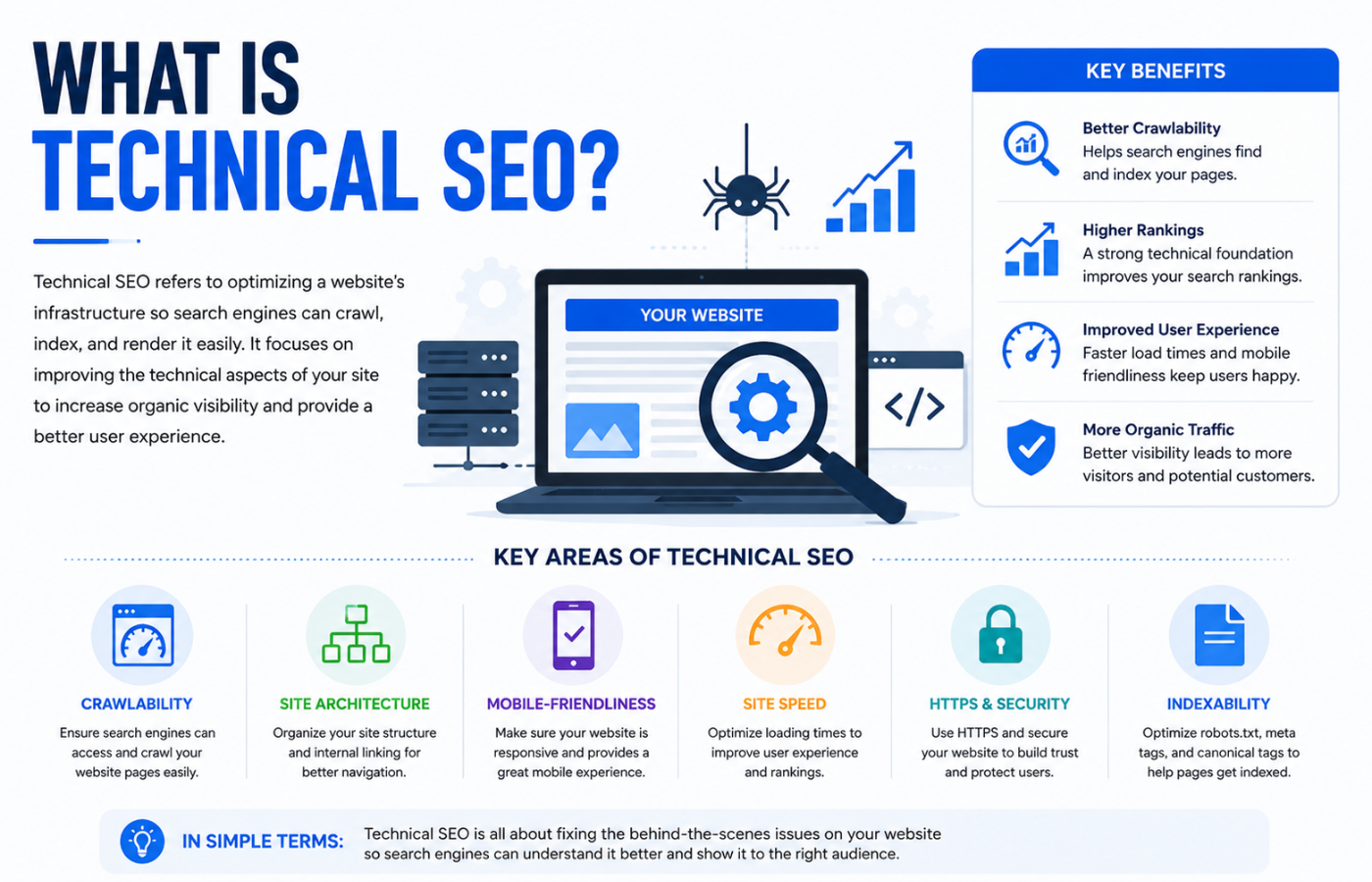
What Is Technical SEO? The Checklist Every SEO Professional Uses
Why Technical SEO Matters Before Anything Else
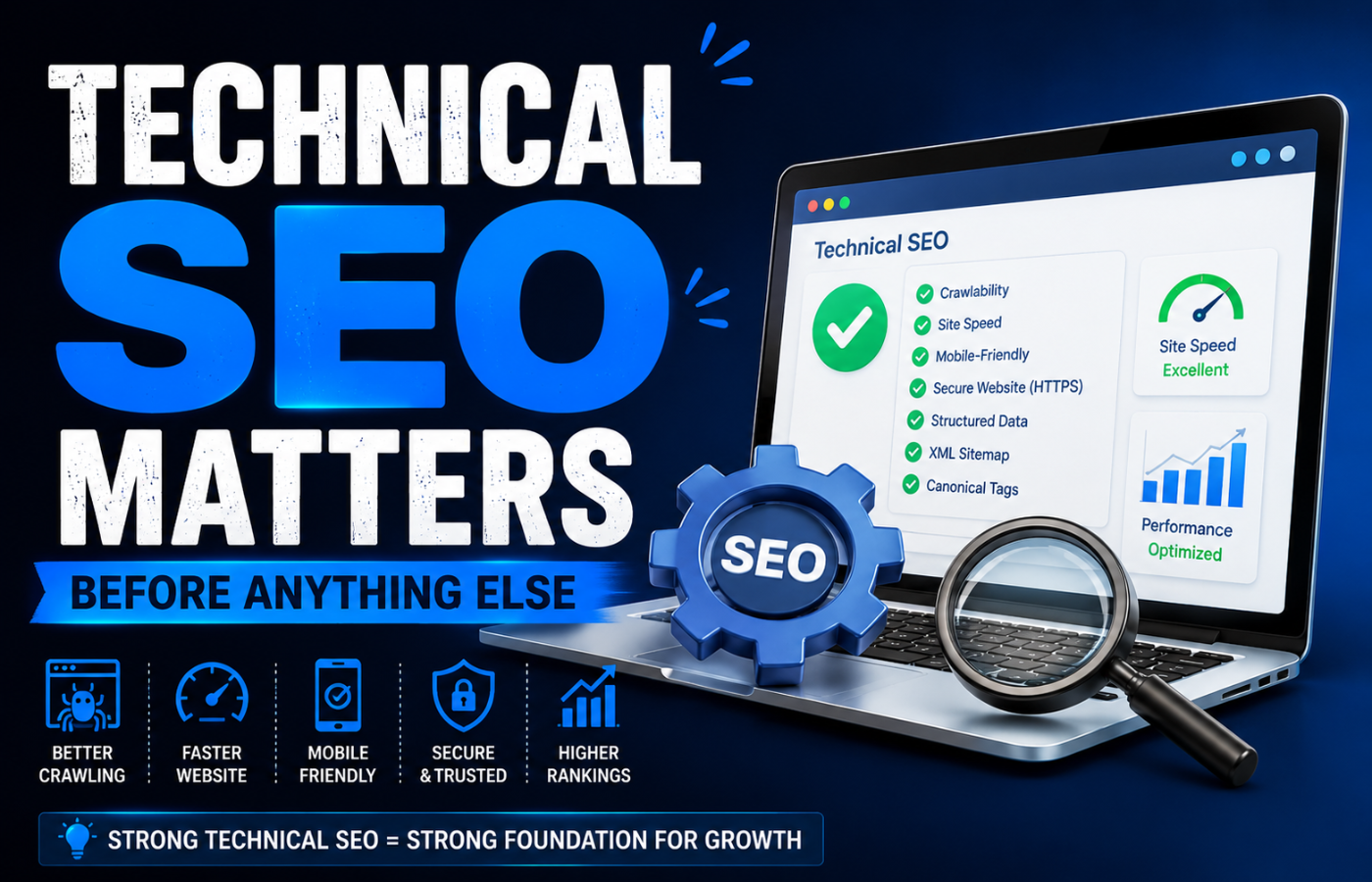
Imagine writing a brilliant book but locking it in a basement with no windows. That is your website without technical SEO. Google cannot rank what it cannot find or render. Technical SEO ensures that search engine bots can crawl every important page, understand the content, and index it for relevant searches. Fix technical issues first, then build content and links.
What Is Technical SEO? The Complete Professional Checklist
Now that you understand what is technical SEO, here is the checklist professionals use to audit and optimise websites:
1. Crawlability & Indexation
Search engines must be able to discover your pages:
-
XML sitemap: Submitted to Google Search Console, up-to-date, includes only canonical/indexable pages
-
Robots.txt: Correctly configured (not blocking important CSS/JS or content pages)
-
No orphan pages: Every page has at least one internal link from another crawlable page
-
Noindex management: Proper use on thank-you pages, internal search results, tag archives, staging sites
-
Crawl budget optimisation: Low-value pages blocked or noindexed so Googlebot focuses on important content
2. Page Speed & Core Web Vitals
Speed is a direct ranking factor. Professional benchmarks:
| Metric | Good Target | Poor (Needs Fix) |
|---|---|---|
| Largest Contentful Paint (LCP) | Under 2.5 seconds | Over 4 seconds |
| First Input Delay (FID) | Under 100ms | Over 300ms |
| Cumulative Layout Shift (CLS) | Under 0.1 | Over 0.25 |
Optimisation tactics: Compress images (WebP), minify CSS/JS, enable caching, use CDN, defer offscreen images, remove render-blocking resources.
3. Mobile-First Indexing
Google predominantly uses the mobile version of your site for ranking:
-
Responsive design (not separate mobile subdomain)
-
Viewport configured (proper scaling on all devices)
-
Touch-friendly elements (buttons at least 44×44 pixels)
-
Readable font sizes (no zooming required)
-
No mobile-only interstitials (pop-ups that block content are penalised)
4. Indexation & Canonicalisation
Prevent duplicate content and tell Google which URL is the master version:
-
Canonical tags: Self-referencing or pointing to correct master URL
-
Parameter handling: Google Search Console configuration for session IDs, sort filters, tracking parameters
-
Trailing slash consistency: Choose either
/pageor/page/and redirect the other -
WWW vs non-WWW: Choose one preferred domain and 301 redirect the other
-
HTTP to HTTPS: All traffic redirected to secure version (301, not 302)
5. Structured Data (Schema Markup)
Schema helps Google understand your content and display rich results:
-
Required schema types:
Organization,LocalBusiness(if applicable),BreadcrumbList -
Content-specific schema:
Article,Product,FAQ,HowTo,Review,Event -
Validation: Test with Google Rich Results Tool
-
JSON-LD format (Google’s preferred implementation)
Rich results can increase click-through rates by 30-40%.
6. Log File Analysis
For advanced technical SEO, analysing server logs reveals:
-
How often Googlebot crawls your site
-
Which pages are crawled most frequently
-
Crawl budget waste (404s, redirect chains, low-value pages)
-
Response codes (200, 301, 404, 500)
Tool: Screaming Frog Log File Analyser or manual analysis.
7. JavaScript SEO
If your site uses React, Vue, Angular, or similar frameworks:
-
Server-side rendering (SSR) or static site generation (SSG) for critical content
-
Progressive enhancement (content available without JS execution)
-
No client-side rendering for important content (Google may see blank page)
-
History API (pushState) for proper URL structure, not hash fragments (
#)
8. Internal Linking Structure
Internal links distribute “link equity” and help Google understand site hierarchy:
-
Logical depth: Important pages within 3 clicks of homepage
-
Descriptive anchor text (not “click here”)
-
Contextual links within body content (not just sidebar/footer)
-
No broken internal links (404s waste crawl budget)
-
Breadcrumb navigation (improves UX and crawl efficiency)
9. HTTPS & Security
HTTPS is a lightweight ranking signal and a trust signal for users:
-
SSL/TLS certificate installed and valid (not expired)
-
Mixed content fixed (no insecure HTTP images/scripts on HTTPS pages)
-
HSTS headers implemented (tells browsers to always use HTTPS)
-
No security warnings in browser address bar
10. International SEO (If Applicable)
For multilingual or multinational websites:
-
Hreflang tags correctly implemented (no self-referencing errors)
-
Language/country targeting in Google Search Console
-
ccTLDs, subdirectories, or subdomains with consistent strategy (
/en/,/fr/,/de/) -
No automatic redirection based on IP (can hide content from Google)
Technical SEO Audit Checklist (One-Page Summary)
| Category | Key Checks | Tool |
|---|---|---|
| Crawlability | XML sitemap, robots.txt, no orphan pages | Google Search Console, Screaming Frog |
| Speed | Core Web Vitals (LCP, FID, CLS) | PageSpeed Insights, Lighthouse |
| Mobile | Responsive, viewport, touch-friendly | Mobile-Friendly Test |
| Indexation | Canonicals, noindex, parameters | Google Search Console |
| Schema | JSON-LD, rich results test | Rich Results Test |
| JavaScript | SSR/SSG, History API | URL Inspection Tool |
| Internal links | Depth, anchor text, no 404s | Screaming Frog |
| Security | HTTPS, HSTS, no mixed content | Browser check |
Common Technical SEO Mistakes
| Mistake | Why It Hurts | Fix |
|---|---|---|
| Blocking CSS/JS in robots.txt | Google cannot render your page | Remove disallow rules for assets |
| No XML sitemap | Slow discovery of new pages | Generate and submit sitemap |
| Duplicate content from parameters | Diluted ranking power | Parameter handling in GSC |
| HTTP version still accessible | Duplicate site (HTTP and HTTPS) | 301 redirect all HTTP to HTTPS |
| Soft 404s | Confuses Googlebot, wastes budget | Return actual 404 status for missing pages |
| Pagination noindex | Newer pages never indexed | Remove noindex from pagination |
| Self-referencing canonicals missing | Potential duplicate issues | Add canonical tag to every page |
Technical SEO Tools Every Professional Uses
-
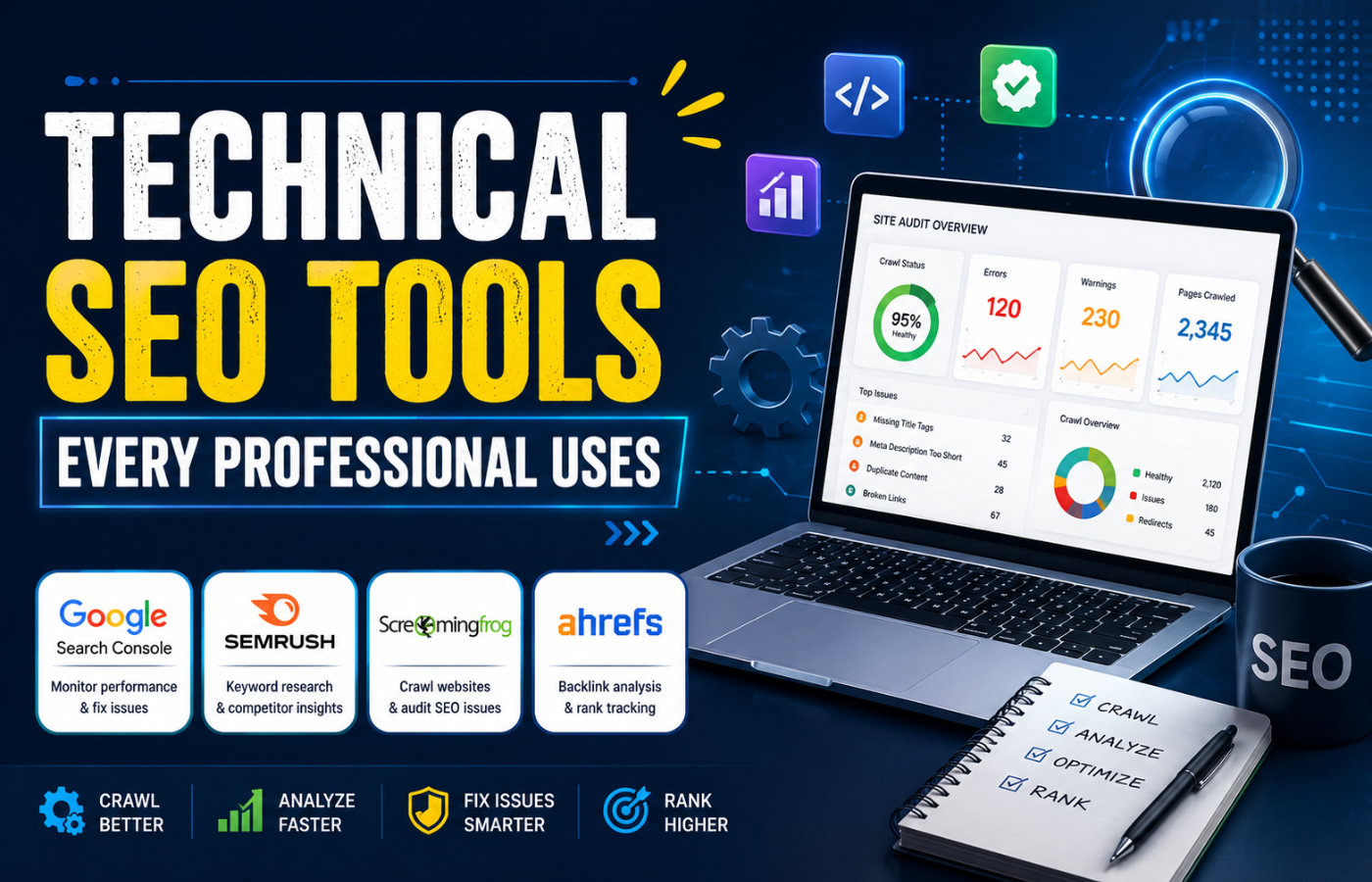
Google Search Console: Crawl stats, index coverage, Core Web Vitals, sitemaps, manual actions
-
Screaming Frog SEO Spider: Crawl websites, find broken links, analyse meta tags, generate sitemaps
-
PageSpeed Insights / Lighthouse: Core Web Vitals, performance scores, optimisation suggestions
-
Mobile-Friendly Test: Check mobile usability issues
-
Rich Results Test: Validate schema markup
-
Ahrefs / Semrush / Moz: Site audits, crawl comparisons, log file analysis
Conclusion: Technical SEO Is the Foundation
Want a complete technical SEO audit that finds every hidden issue blocking your rankings — with a clear checklist to fix them?
Get in touch with Orbitix today.