






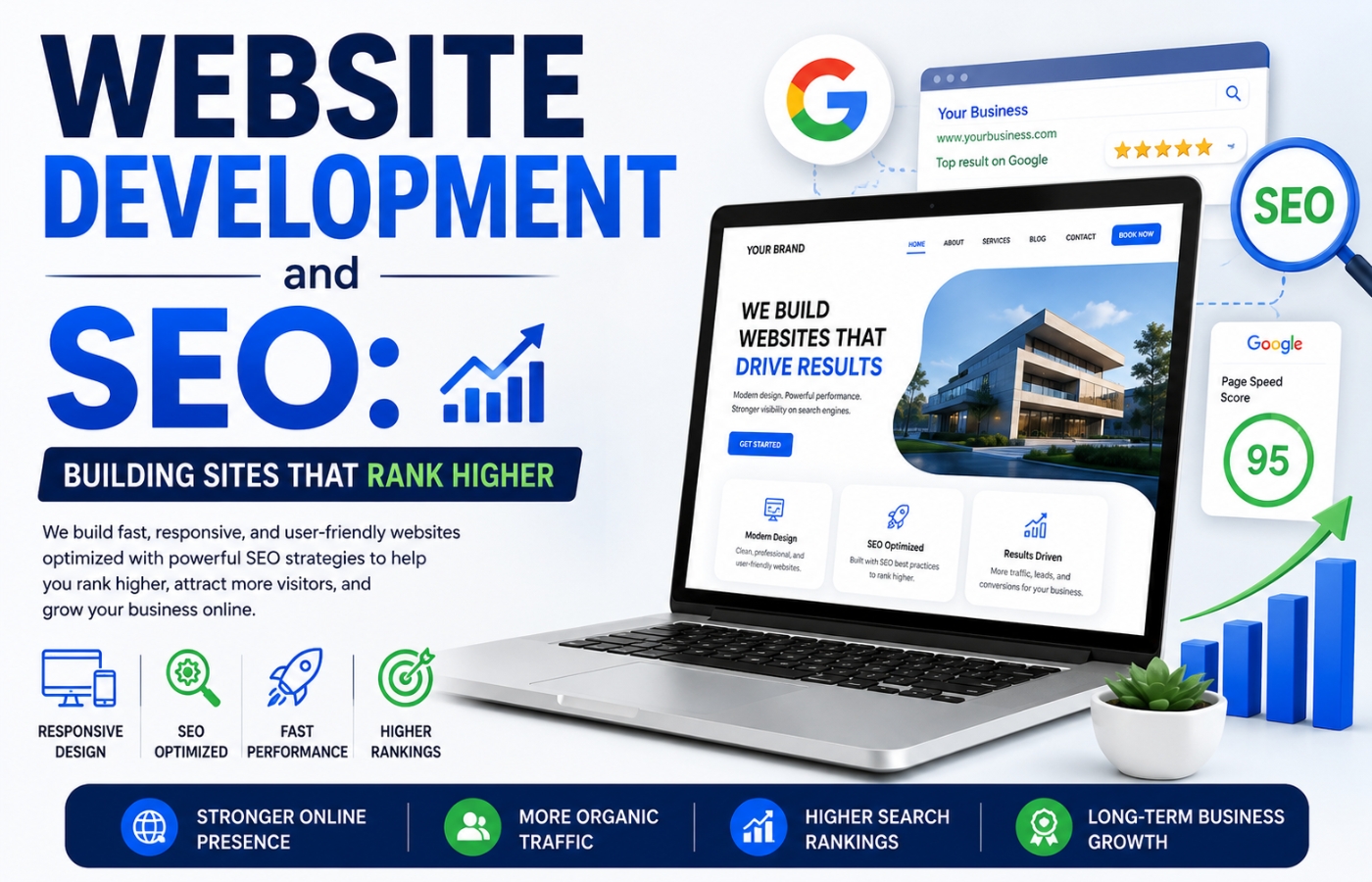
Website Development and SEO: Building Sites That Rank Higher
Website development and SEO are two sides of the same digital coin — yet far too often, they are treated as separate disciplines. This is especially true in competitive industries like Website Development for Law Firms, where both search visibility and user trust play a critical role in generating leads. A beautiful website that search engines cannot crawl is like a luxury store with its doors locked. Conversely, an SEO-optimized site with poor user experience will drive visitors away the moment they arrive. The truth is that website development and SEO must work in harmony from the very first line of code to the final user interaction. When developers and SEO specialists collaborate, the result is a fast, accessible, crawlable, and user-friendly website that ranks higher and converts better. In this comprehensive guide, we will explore exactly how to build websites that dominate search results while delighting human visitors.
Why Integration Matters
For years, businesses would build a website first and then “add SEO later” — often as an afterthought. This approach is expensive and ineffective. Retrofitting SEO onto a poorly developed site can require rewriting code, restructuring URLs, fixing internal linking, and addressing page speed issues that were baked in from day one.
The smarter approach is to integrate website development and SEO from the start. When you do, you avoid technical debt, launch faster, and begin ranking sooner. This guide will walk you through every stage of development — from planning and architecture to launch and beyond — through the lens of search engine optimization.
How Website Development and SEO Work Together for Higher Rankings
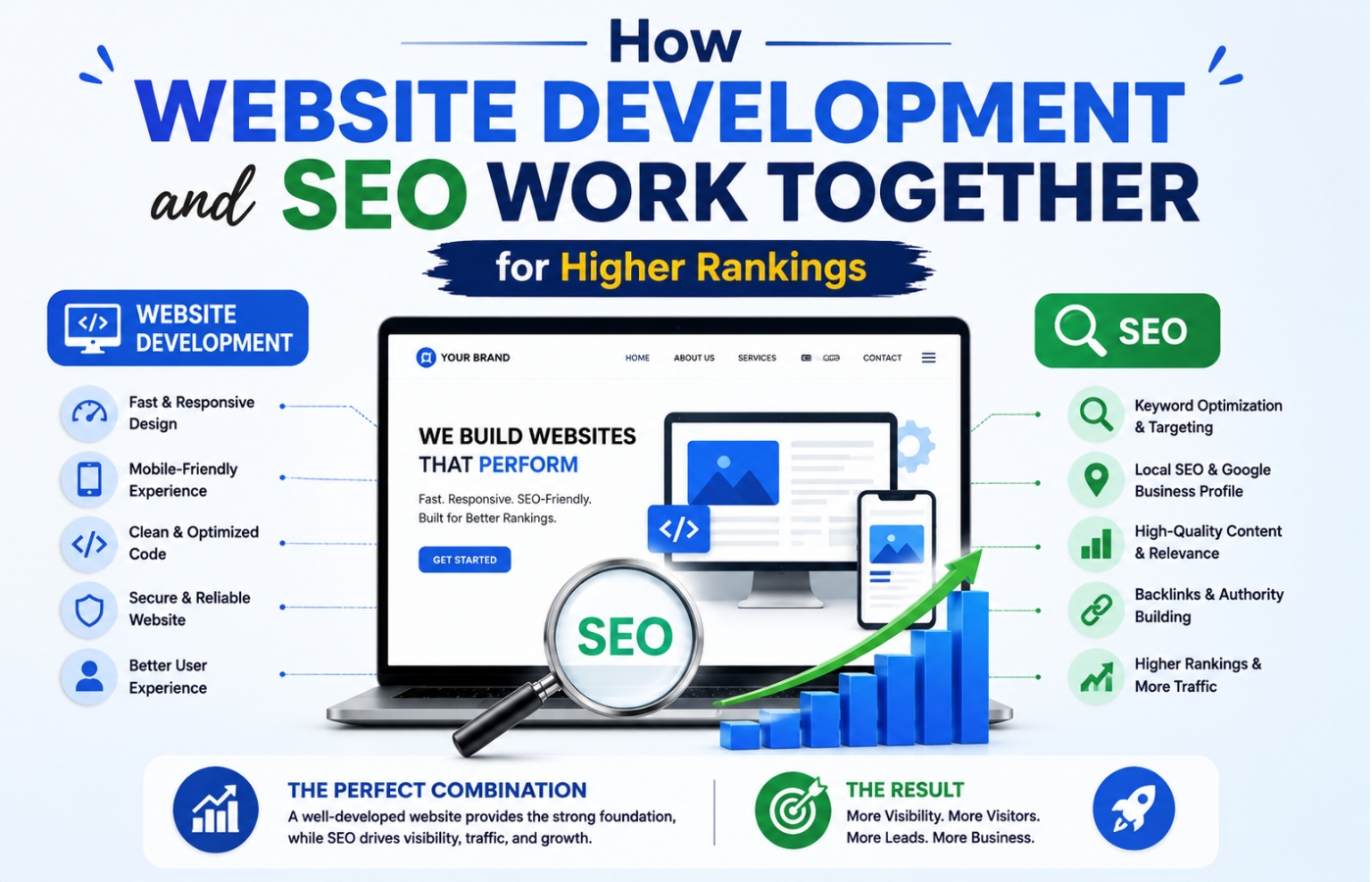
At its core, successful website development and SEO is about building a foundation that search engines can easily understand and users can easily navigate. Whether you are working on general business websites or specialized industries like SEO for window companies, the right development strategy plays a major role in online visibility and user experience. Google’s algorithms evaluate hundreds of ranking factors, but many of the most important ones are determined during the development phase — not afterward. Below, we break down the critical intersection points where development decisions directly impact SEO performance.
1. Site Architecture: The Blueprint for Crawlability
Site architecture refers to how pages on your website are organized and linked together. A flat architecture (where any page is reachable within 1–3 clicks from the homepage) is ideal for both users and search engines.
SEO-friendly architecture principles:
-
Use a logical hierarchy (Homepage > Category Pages > Individual Pages)
-
Keep important content no more than three clicks from the homepage
-
Use breadcrumb navigation (e.g., Home > Blog > SEO Tips)
-
Create an XML sitemap and submit it to Google Search Console
-
Ensure every page has at least one internal link pointing to it (no “orphan pages”)
Example of poor architecture:
-
Homepage → Products → Product Detail (2 clicks, good)
-
But a blog post from 2022 has no internal links to it — it’s an orphan page that Google rarely crawls
Example of strong architecture:
-
Homepage links to “Blog” category page
-
“Blog” category page links to each individual post
-
Each post links back to the category page and to 2–3 related posts
When you plan architecture during website development and SEO, you ensure that Googlebot can discover every important page.
2. Mobile-First Development (Non-Negotiable)
Google uses mobile-first indexing, meaning it primarily uses the mobile version of your website for ranking and indexing. If your site is not mobile-friendly, you will not rank — regardless of how good your desktop experience is.
Mobile-first development requirements:
-
Responsive design (not a separate mobile subdomain like m.example.com)
-
Touch-friendly buttons (at least 48px tap target)
-
Readable font sizes (minimum 16px for body text)
-
No horizontal scrolling
-
Viewport meta tag configured correctly
-
Mobile page speed within 2.5 seconds
Common mobile mistakes in website development:
-
Hiding important content behind hover interactions (doesn’t work on touch)
-
Using Flash or other obsolete technologies
-
Pop-ups that cover the entire screen on mobile
-
Videos that auto-play with sound
Test your mobile usability using Google’s Mobile-Friendly Test tool before launch.
3. Page Speed as a Ranking Factor (Core Web Vitals)
Since 2021, Google’s Core Web Vitals have been official ranking signals. These metrics measure real-world user experience:
| Core Web Vital | What It Measures | Good Threshold |
|---|---|---|
| Largest Contentful Paint (LCP) | Loading speed (main content) | Under 2.5 seconds |
| First Input Delay (FID) | Interactivity (click response) | Under 100 milliseconds |
| Cumulative Layout Shift (CLS) | Visual stability (no sudden jumps) | Under 0.1 |
Development strategies to improve Core Web Vitals:
-
Optimize images (use WebP format, lazy loading, compression)
-
Minify CSS, JavaScript, and HTML
-
Use a Content Delivery Network (CDN)
-
Enable browser caching
-
Remove render-blocking resources
-
Choose fast, reliable hosting (shared hosting is often too slow)
-
Implement server-side rendering (SSR) or static site generation (SSG) for JavaScript-heavy sites
Tool to measure: Google PageSpeed Insights, Lighthouse (in Chrome DevTools), or GTmetrix.
When you prioritize speed during website development and SEO, you directly improve both user experience and search rankings.
4. URL Structure: Clean, Descriptive, and Keyword-Rich
URLs are a minor ranking factor, but they matter for click-through rates (CTR) and user trust. A clean URL tells users and search engines what to expect.
SEO-friendly URL best practices:
-
Use lowercase letters
-
Separate words with hyphens (not underscores)
-
Keep URLs short (under 60 characters if possible)
-
Include the primary keyword naturally
-
Avoid parameters (?id=123, &ref=456)
-
Remove stop words (and, of, the, to) when possible
| Bad URL | Good URL |
|---|---|
| example.com/p=123?category=5 | example.com/seo-content-writing |
| example.com/blog/2023/10/12/post | example.com/blog/website-development-seo |
| example.com/index.php?id=456 | example.com/about-us |
Development note: When you change a URL during development, implement a 301 redirect from the old URL to the new one. Broken links (404 errors) waste crawl budget and frustrate users.
5. Structured Data (Schema Markup) Integration
Structured data is code that you add to your website to help search engines understand your content. It powers rich results — star ratings, FAQs, product prices, event dates, and more — which dramatically improve CTR.
Common schema types for most websites:
-
Organization schema – Business name, logo, contact info, social profiles
-
LocalBusiness schema – Address, phone, hours (for local businesses)
-
Article schema – Blog posts, news articles (with headline, author, date)
-
BreadcrumbList schema – Improves navigation display in search results
-
FAQ schema – Creates expandable Q&A boxes (great for blog posts)
-
Product schema – Price, availability, reviews (for e-commerce)
How to implement during development:
-
Add schema as JSON-LD (Google’s preferred format) in the
<head>or<body>of each page -
Use a plugin (if on WordPress, e.g., Rank Math, Yoast SEO, or Schema Pro)
-
Alternatively, use Google’s Structured Data Markup Helper to generate code
-
Test with Google’s Rich Results Test tool before launch
When you build schema markup into your website development and SEO process, you unlock rich results that competitors without schema cannot access.
6. Navigation and Internal Linking Structure
Navigation is not just for users — it is how search engines discover pages. A well-planned internal linking structure distributes “link equity” (authority) from high-performing pages to newer or deeper pages.
Best practices for navigation menus:
-
Keep main navigation to 5–7 items
-
Use descriptive anchor text (e.g., “SEO Services” not “Click Here”)
-
Include a footer navigation with important pages (privacy policy, contact, sitemap)
-
Avoid dropdown menus that hide content from crawlers (use HTML/CSS rather than JavaScript-dependent menus)
Internal linking during development:
-
Plan a “hub and spoke” model: pillar pages (comprehensive guides) link to cluster content (specific subtopics), and cluster content links back to the pillar
-
Use “related posts” sections on blog pages
-
Add contextual links within body content (not just sidebar widgets)
Example: On a page about “website development and SEO,” you might link to internal pages about “Core Web Vitals,” “Schema Markup,” and “Mobile-First Design.”
7. Image Optimization (Beyond Alt Text)
Images are often the largest assets on a webpage. Unoptimized images destroy page speed and harm SEO. During development, implement these practices:
Image optimization checklist:
-
Format: Use WebP (smaller than JPEG/PNG with similar quality) or AVIF
-
Compression: Use tools like TinyPNG, ImageOptim, or ShortPixel to reduce file size by 50–80%
-
Dimensions: Serve images at the exact display size (don’t load a 3000px image into a 300px container)
-
Lazy loading: Add
loading="lazy"attribute so images load only when they enter the viewport -
Responsive images: Use
srcsetto serve different image sizes for different screen widths -
Alt text: Describe the image for accessibility and SEO (include keywords naturally, but do not stuff)
Example of optimized image HTML:
<img src="image-800x600.webp"
     srcset="image-400x300.webp 400w, image-800x600.webp 800w"
     sizes="(max-width: 600px) 400px, 800px"
     alt="SEO content writing checklist on laptop"
     loading="lazy">
This level of detail is rarely added retroactively. Build it into your website development and SEO workflow.
8. HTTPS and Security (Ranking Signal)
Since 2014, Google has used HTTPS as a lightweight ranking signal. More importantly, users trust secure websites. Browsers now label HTTP sites as “Not Secure,” which kills credibility.
Development requirements:
-
Obtain an SSL certificate (free from Let’s Encrypt or through your host)
-
Force HTTPS redirects (all HTTP traffic should 301 to HTTPS)
-
Update internal links to use HTTPS (no mixed content warnings)
-
Ensure your CDN supports HTTPS
Pro tip: After migrating from HTTP to HTTPS, update your Google Search Console property and resubmit your sitemap.
9. Crawlability and Indexability Controls
Not every page on your website should be in Google’s index. But many developers accidentally block important pages or allow low-value pages to be indexed.
Key files and tags:
-
robots.txt: Tells search engines which directories they can or cannot crawl. Ensure it does not accidentally block CSS/JS files (which Google needs to render your page).
-
Meta robots tag: Use
<meta name="robots" content="index, follow">on pages you want indexed. Usenoindex, nofollowon thank-you pages, internal search results, or staging pages. -
Sitemap.xml: List all important URLs. Submit via Google Search Console.
-
Canonical tags: Use
<link rel="canonical" href="https://example.com/page">to prevent duplicate content issues (e.g., from URL parameters).
Common development mistake: Leaving staging sites or duplicate content pages indexable. Always add noindex to your staging environment using a robots meta tag or HTTP basic authentication.
10. JavaScript and SEO (For Modern Frameworks)
If you build with React, Angular, Vue, or Next.js, you must understand how Google crawls JavaScript-rendered content. While Google can execute JavaScript, it happens in a second wave (“rendering phase”), which can delay indexing.
Best practices for JavaScript-heavy sites:
-
Use server-side rendering (SSR) or static site generation (SSG) rather than client-side rendering (CSR)
-
Implement dynamic rendering for legacy bots
-
Ensure all critical content (headings, links, text) is present in the initial HTML response
-
Test with “Fetch as Google” in Search Console or use the
?_escaped_fragment_=parameter -
Avoid infinite scroll for main navigation links (use pagination with proper
rel="next"andrel="prev")
If you must use client-side rendering: Use prerendering.io or similar services to serve static HTML to crawlers.
Technical SEO Checklist for Website Development Projects
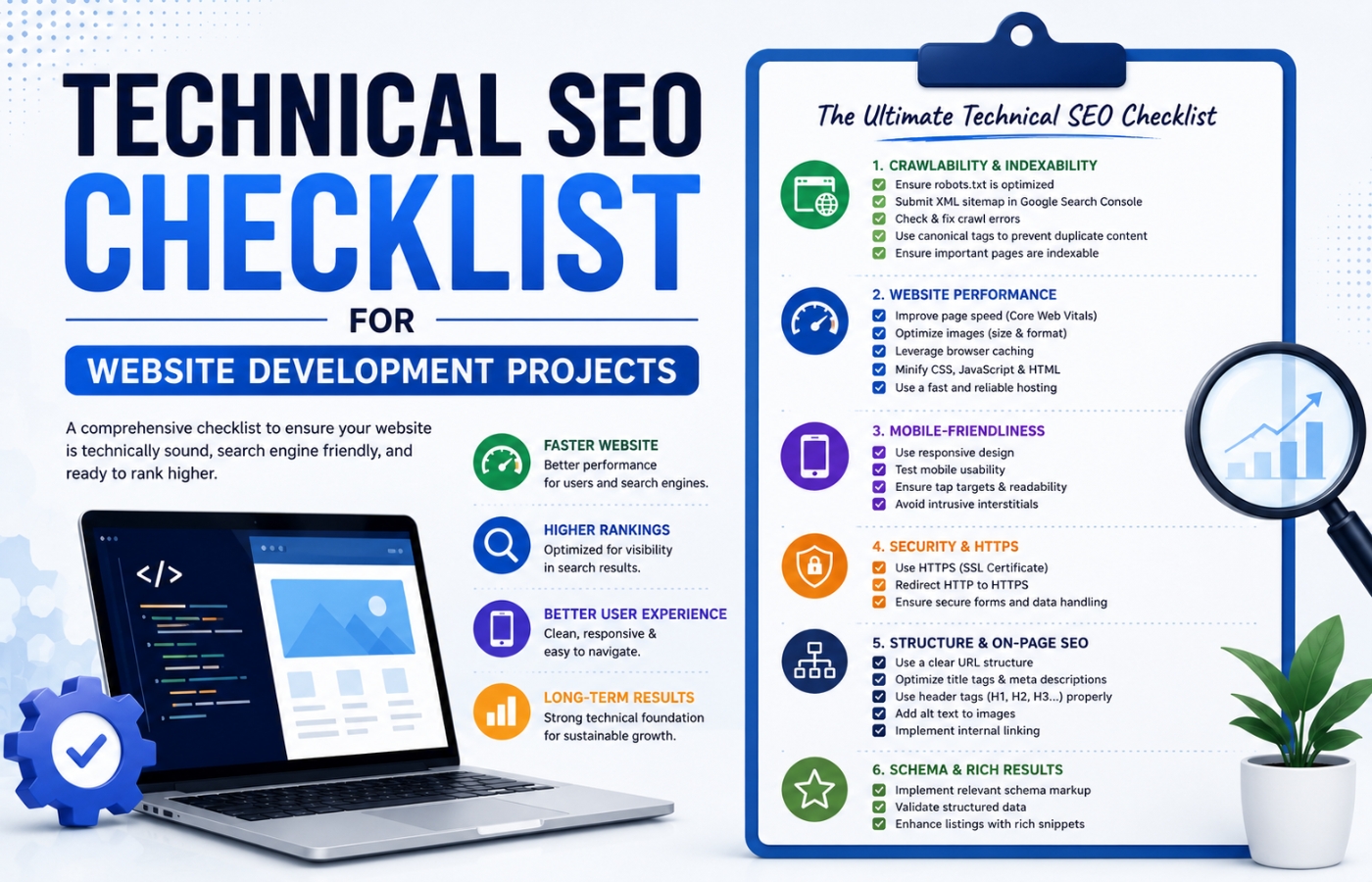
Use this checklist during every build to ensure no SEO element is missed:
| Phase | Task |
|---|---|
| Planning | Keyword research to inform content hierarchy; decide URL structure |
| Design | Mobile-first wireframes; accessible font sizes; tap targets |
| Development | Install SSL; configure robots.txt; create XML sitemap; implement schema markup; optimize images; minify assets |
| Content | Unique meta titles and descriptions for every page; proper heading hierarchy (H1 > H2 > H3) |
| Pre-launch | Test page speed; run crawl test (Screaming Frog); check for broken links; verify noindex tags |
| Launch | Submit sitemap to Google Search Console; set up Google Analytics; test 301 redirects |
| Post-launch | Monitor Core Web Vitals; track keyword rankings; audit quarterly for technical issues |
Common Website Development Mistakes That Hurt SEO
Avoid these costly errors during development:
Using JavaScript for Critical Navigation
If your main menu requires JavaScript to render, search engines may not see it.
Fix: Use HTML/CSS for primary navigation.
Blocking CSS/JS in robots.txt
Google needs your stylesheets and scripts to render the page accurately.
Fix: Allow Googlebot to access all CSS, JS, and image files.
Duplicate Content from URL Parameters
example.com/page and example.com/page?ref=123 show the same content.
Fix: Use canonical tags or parameter handling in Google Search Console.
Ignoring 404 Errors After Redesign
Old URLs that return 404 errors waste crawl budget and frustrate users.
Fix: Map old URLs to new URLs with 301 redirects. Create a redirect spreadsheet before launch.
No XML Sitemap or Sitemap Not Updated
Google cannot easily discover all your pages.
Fix: Generate a dynamic sitemap that updates when you add new content.
Slow Hosting
Cheap shared hosting often cannot handle traffic spikes or deliver good Core Web Vitals.
Fix: Use managed WordPress hosting (Kinsta, WP Engine), VPS, or cloud hosting.
Real-World Example: How Development + SEO Doubled Traffic
Consider “Summit Legal,” a small law firm that had a custom-built website developed without SEO input. The site was visually beautiful but suffered from:
-
Massive unoptimized images (9MB hero image)
-
JavaScript-dependent navigation
-
No schema markup
-
Slow hosting (3.8 second LCP)
-
No XML sitemap
After a rebuild focused on website development and SEO:
-
Switched to responsive, mobile-first design
-
Optimized images (WebP, lazy loading)
-
Converted navigation to HTML/CSS
-
Added LocalBusiness schema and FAQ schema
-
Moved to faster hosting (LCP improved to 1.9 seconds)
-
Created and submitted XML sitemap
Results within 6 months:
-
Organic traffic: +180%
-
Local Pack ranking: #9 → #3
-
Mobile traffic: +245%
-
Contact form submissions: +112%
Total development cost: $8,000. Revenue increase from new leads: estimated $60,000+ annually.
Conclusion: Build for Search and Humans Together
Website development and SEO are not competing priorities — they are mutually reinforcing disciplines. A site built with SEO in mind will be faster, more accessible, easier to navigate, and more trustworthy. These are the same qualities that keep users engaged and converting.
Do not make the mistake of building first and optimizing later. Involve an SEO expert from the discovery phase, conduct keyword research before designing information architecture, test Core Web Vitals throughout development, and launch with a complete technical SEO checklist.
Your website is your most valuable digital asset. Build it right the first time.
Want more qualified organic traffic and attract more customers through a high-performing website?
Get in touch with Orbitix today.